
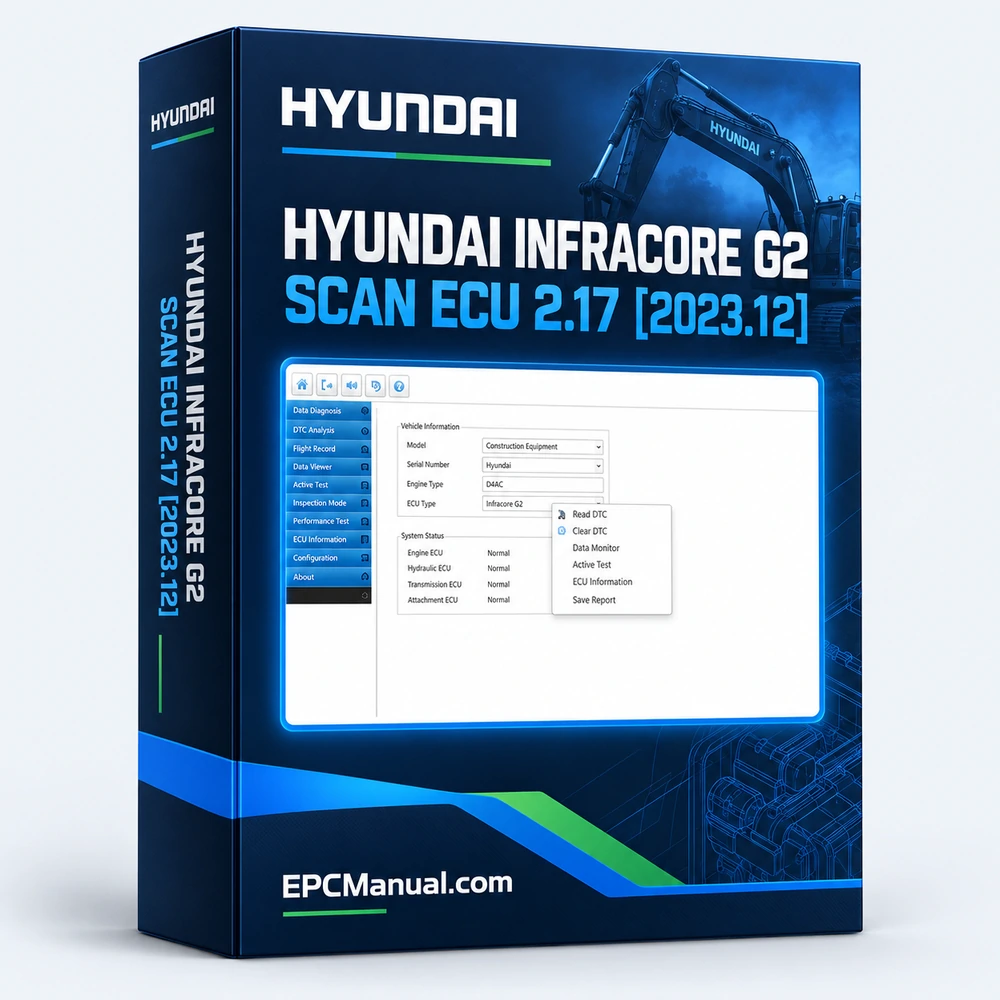
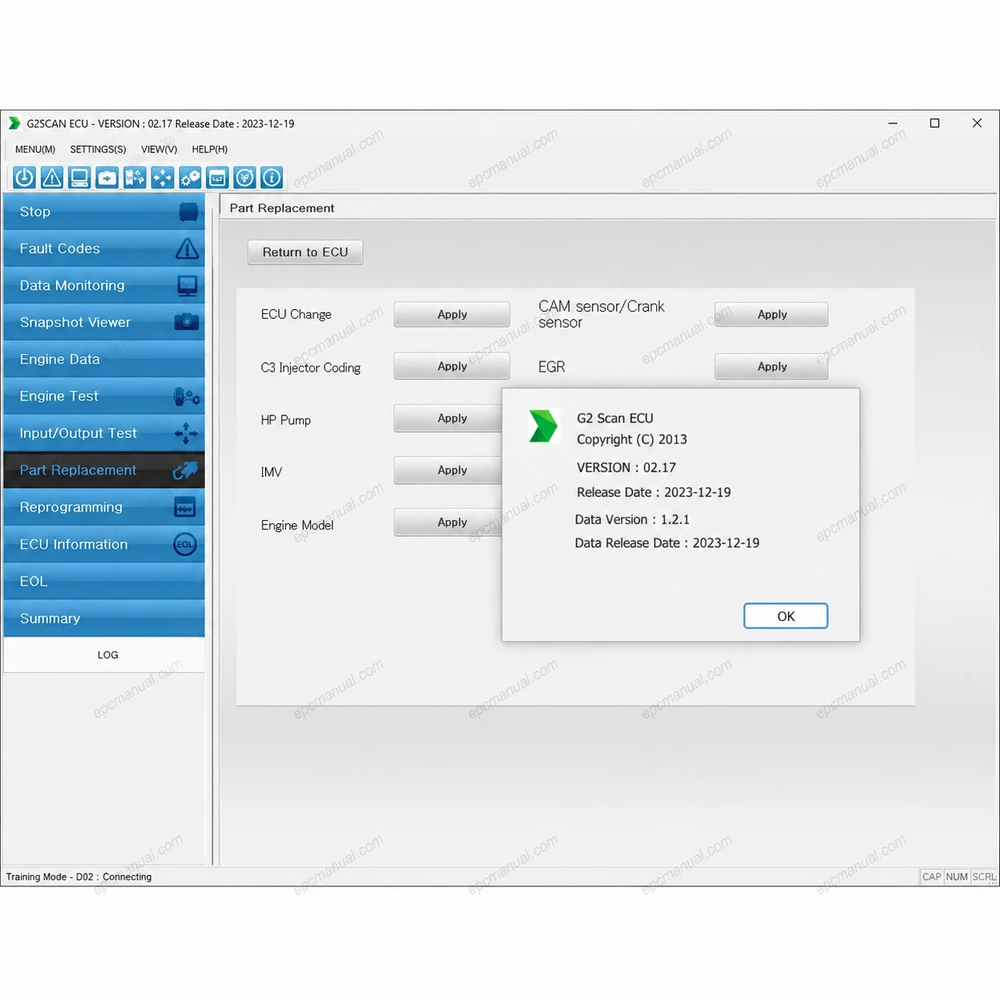
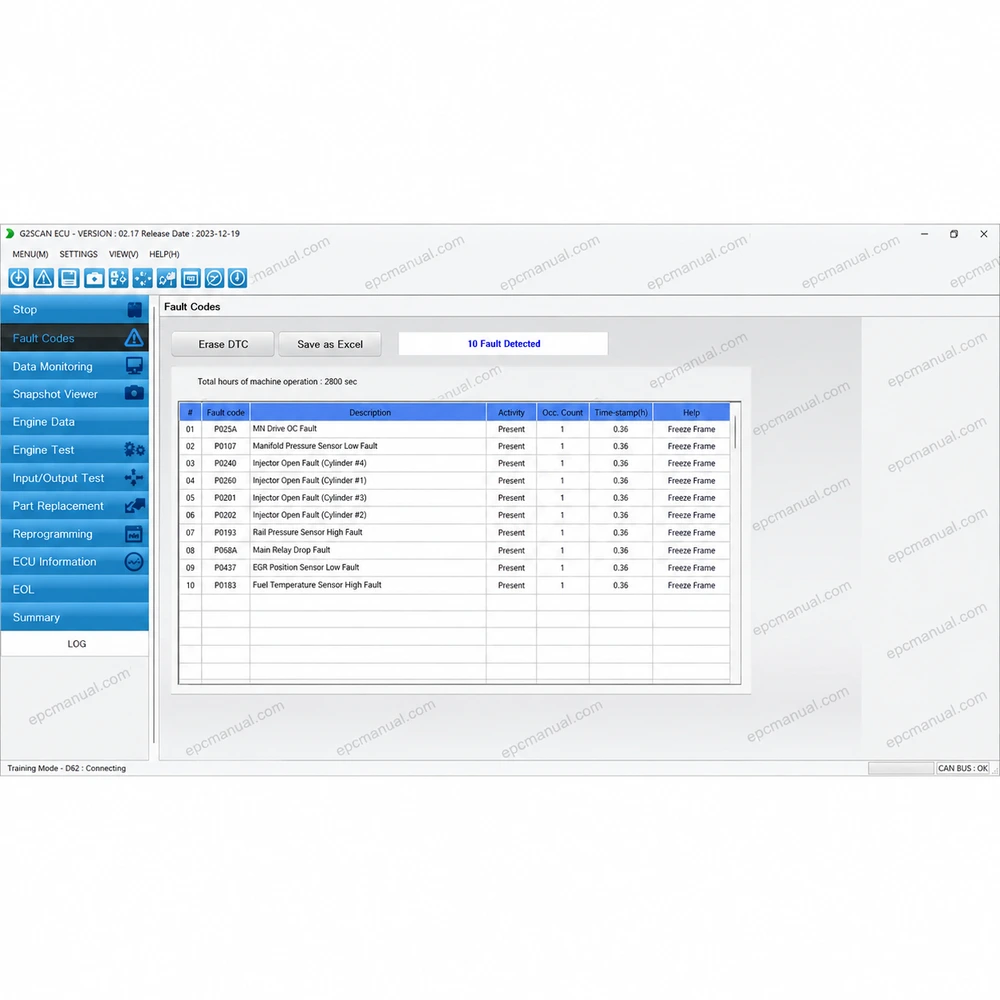
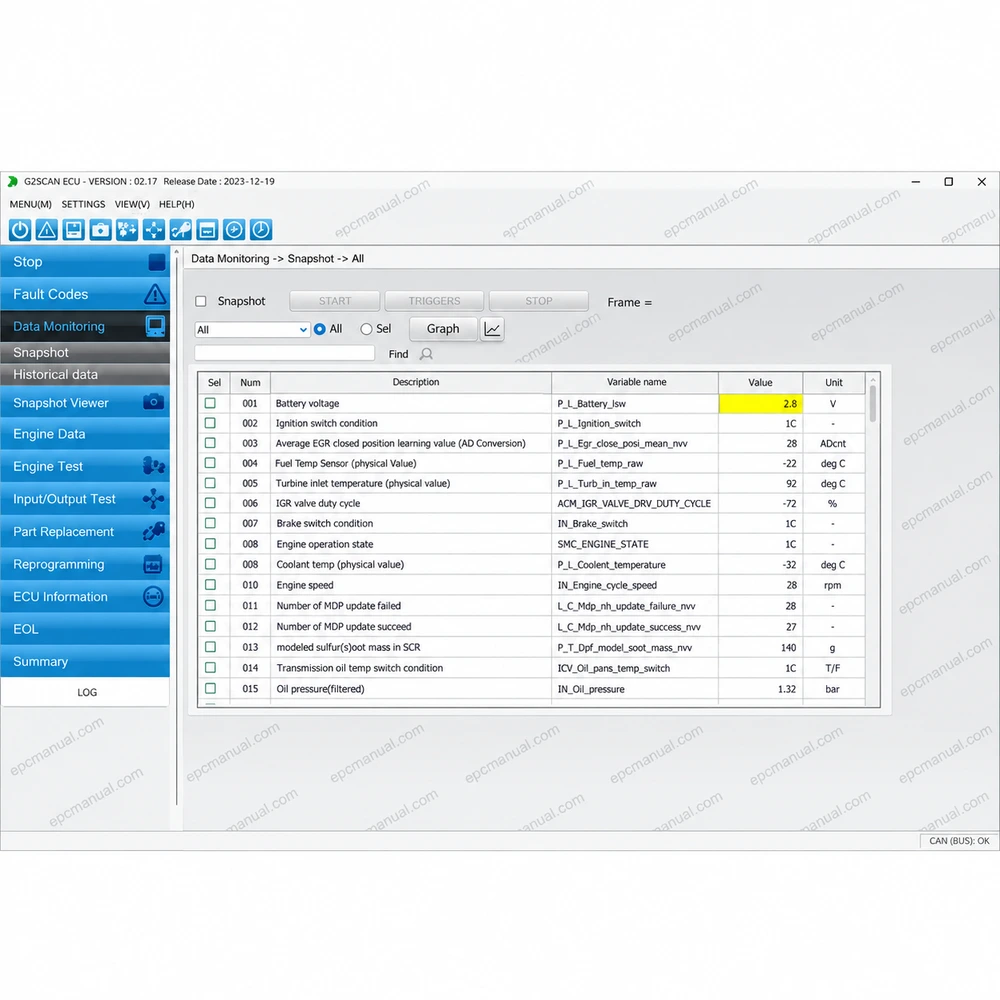
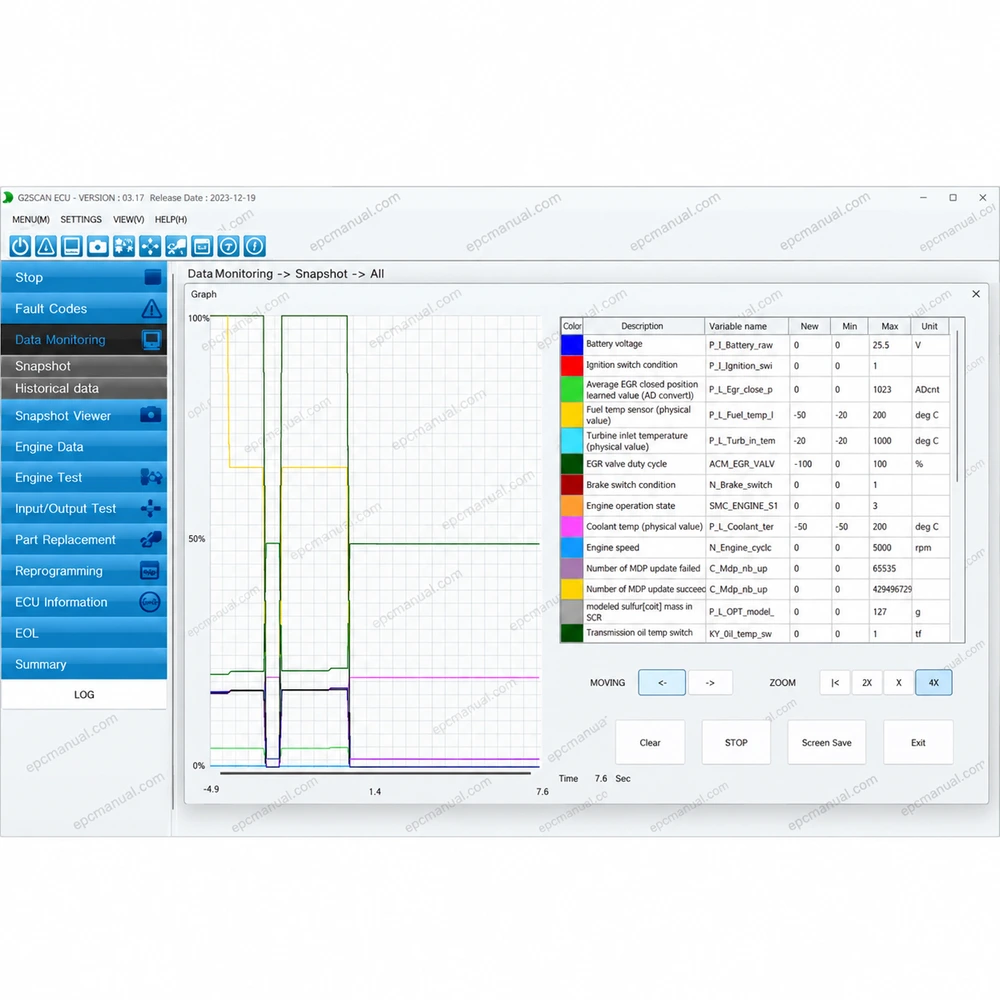
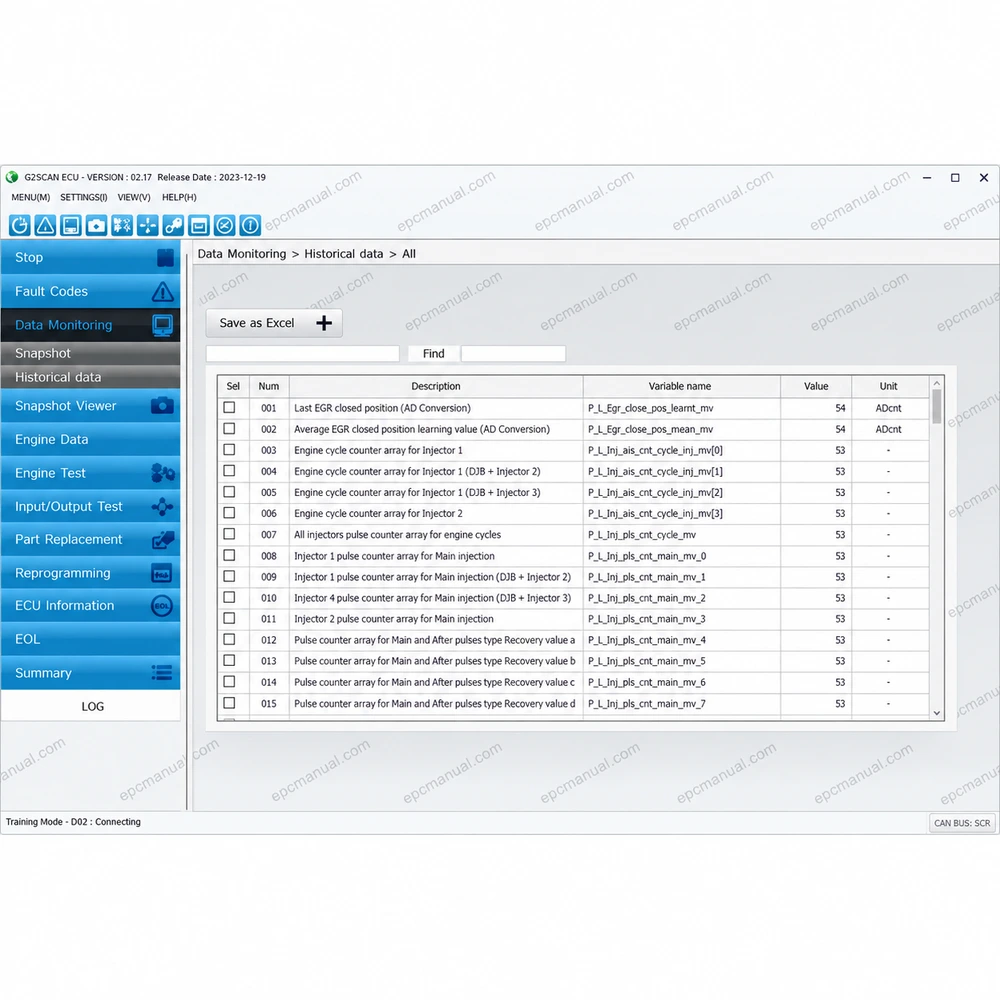
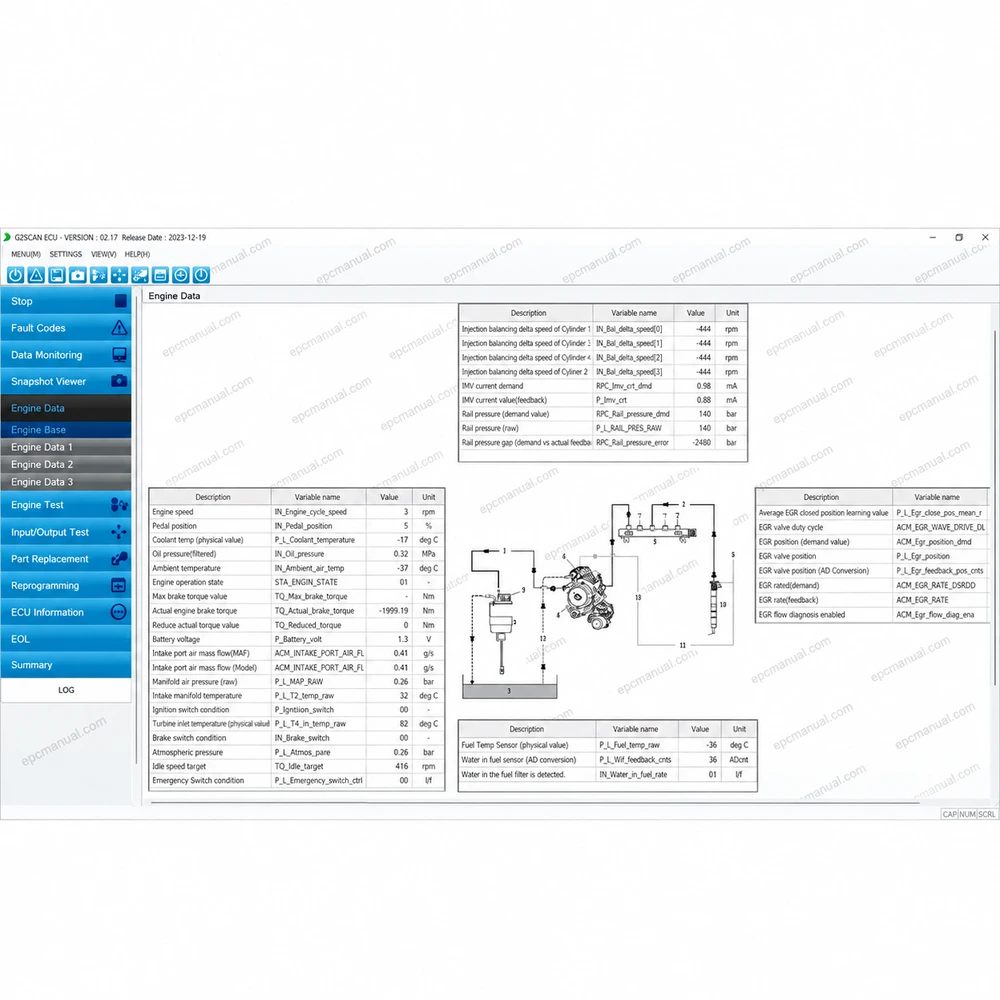
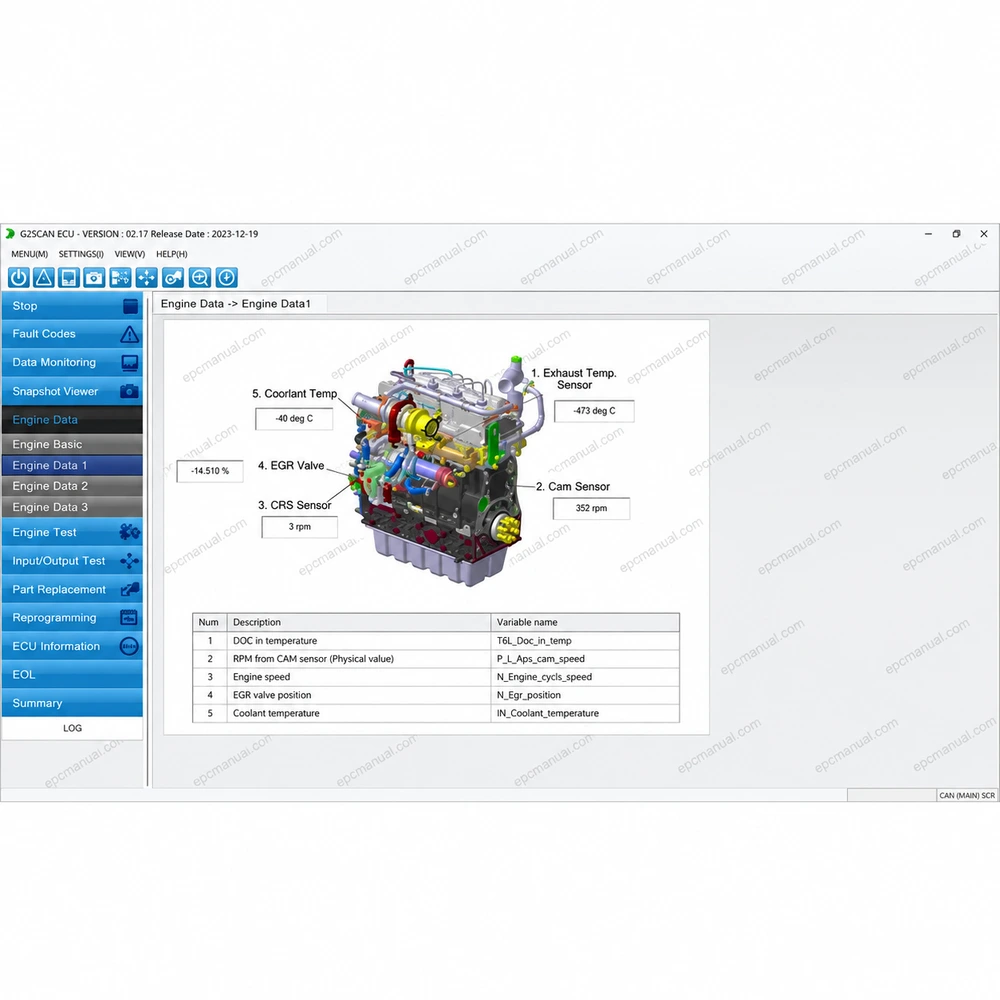
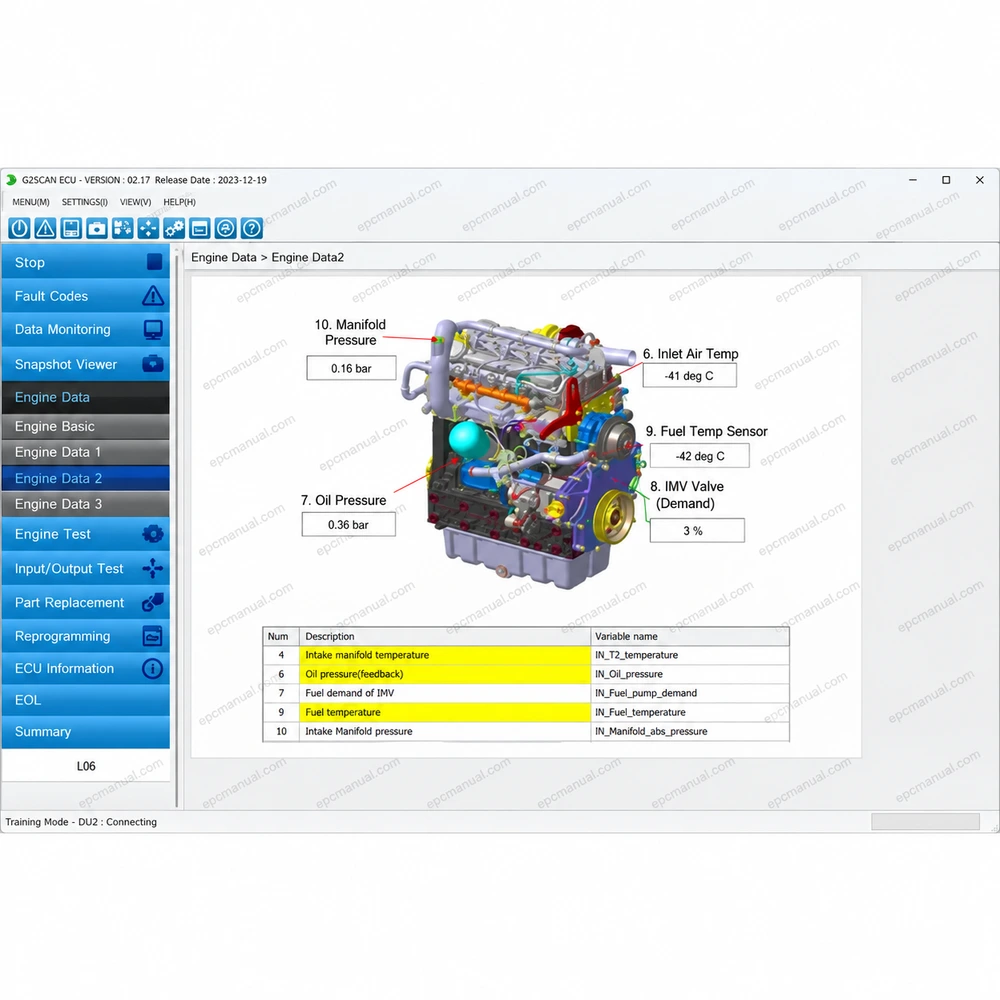
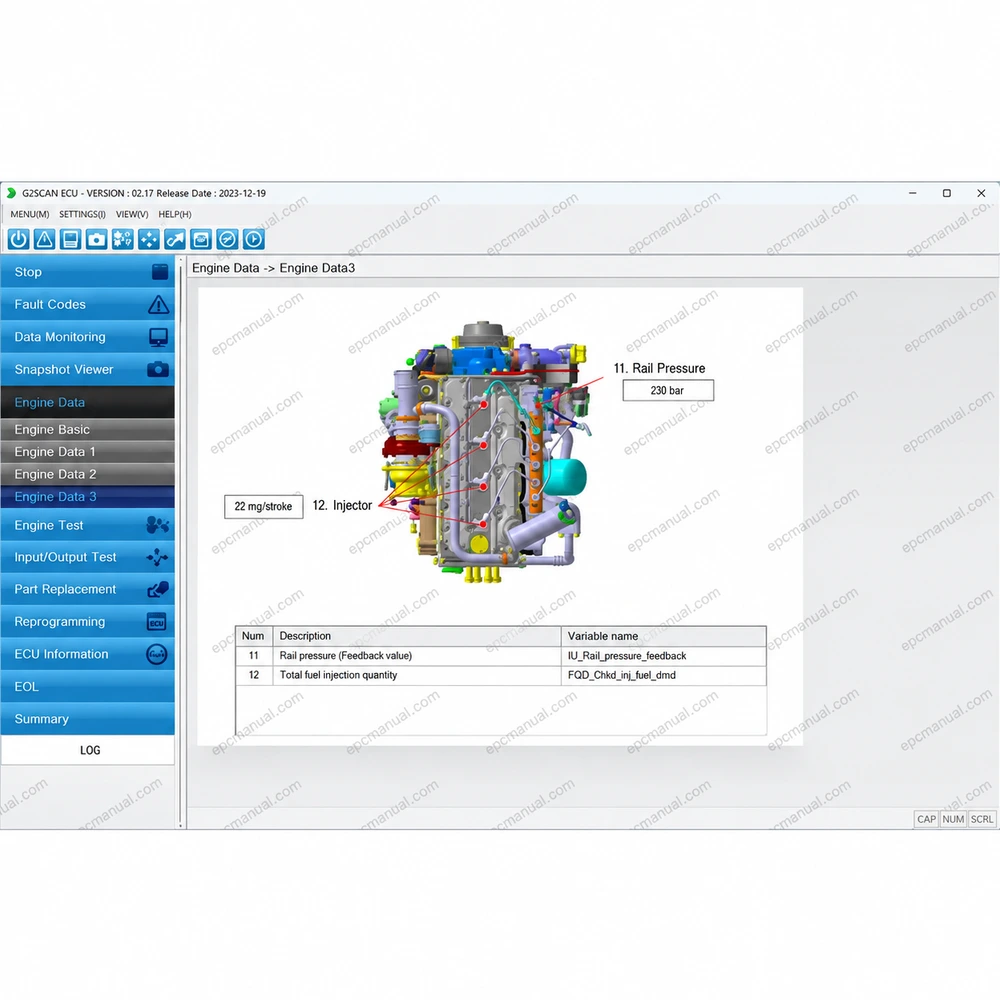
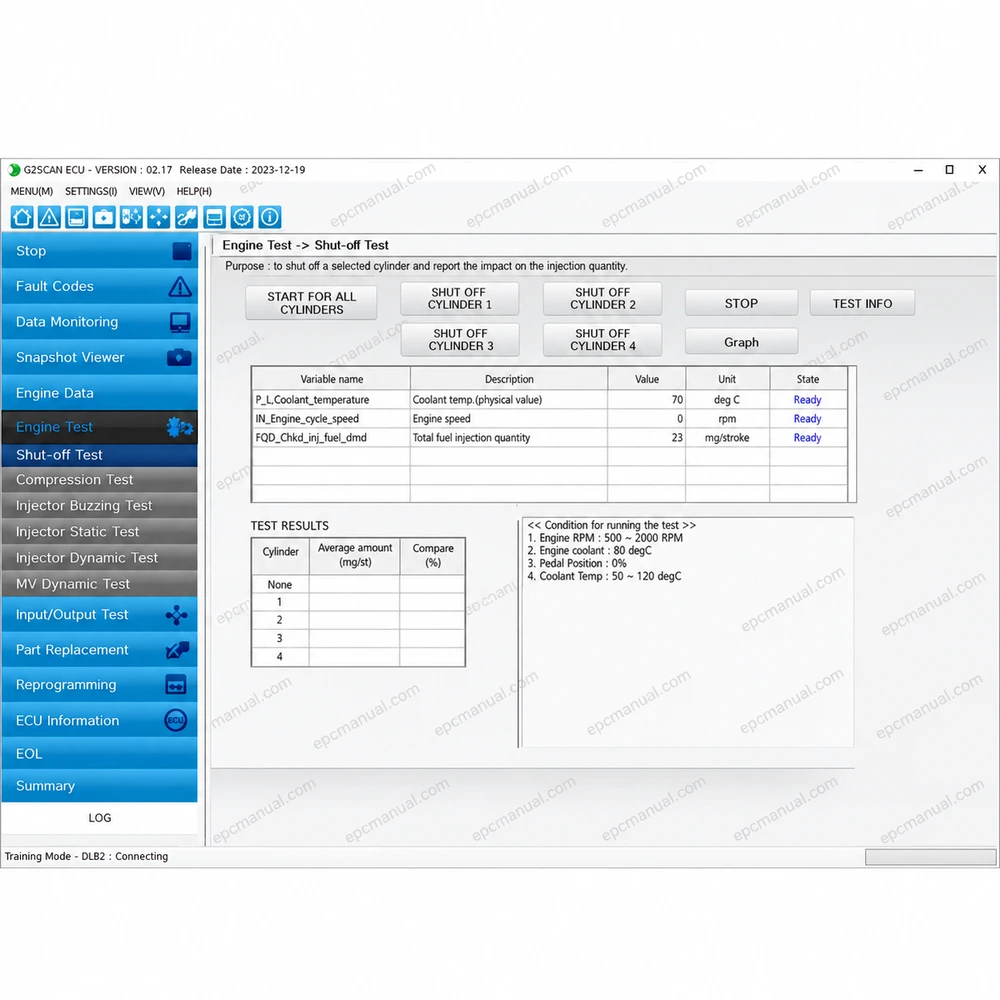
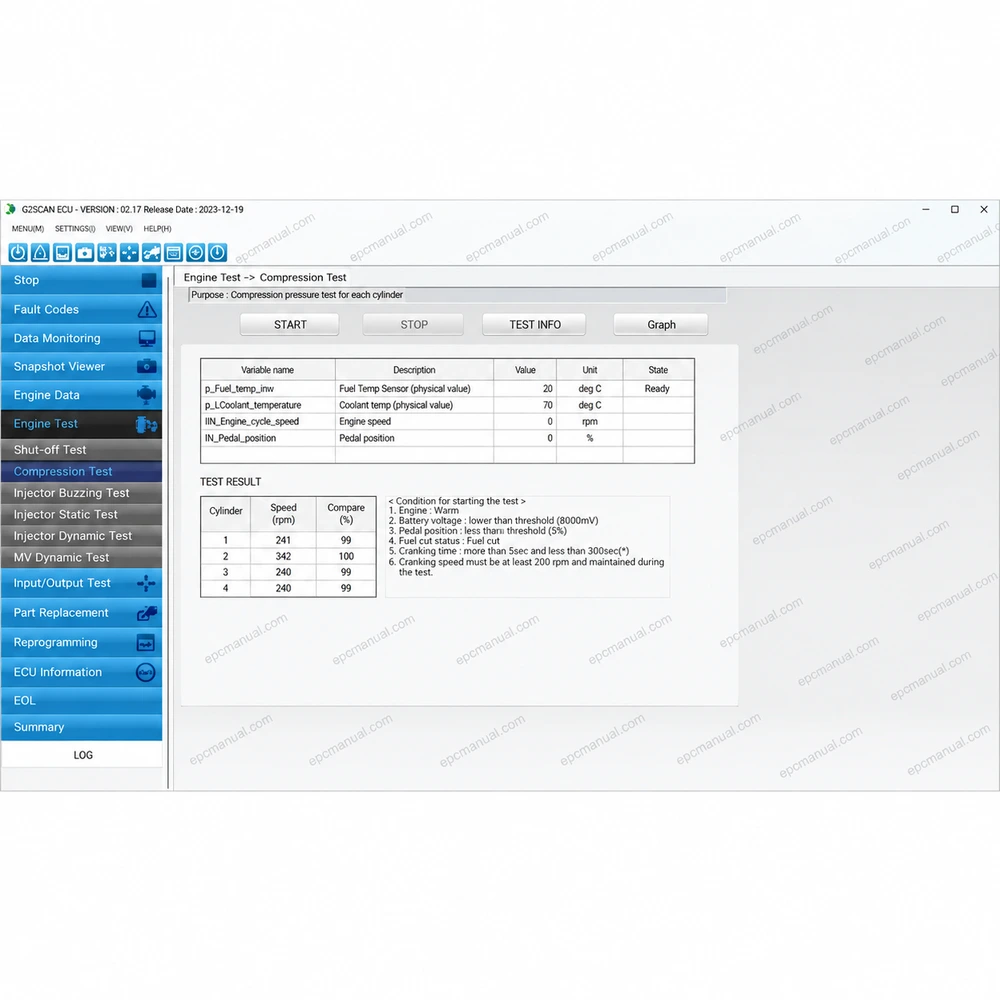
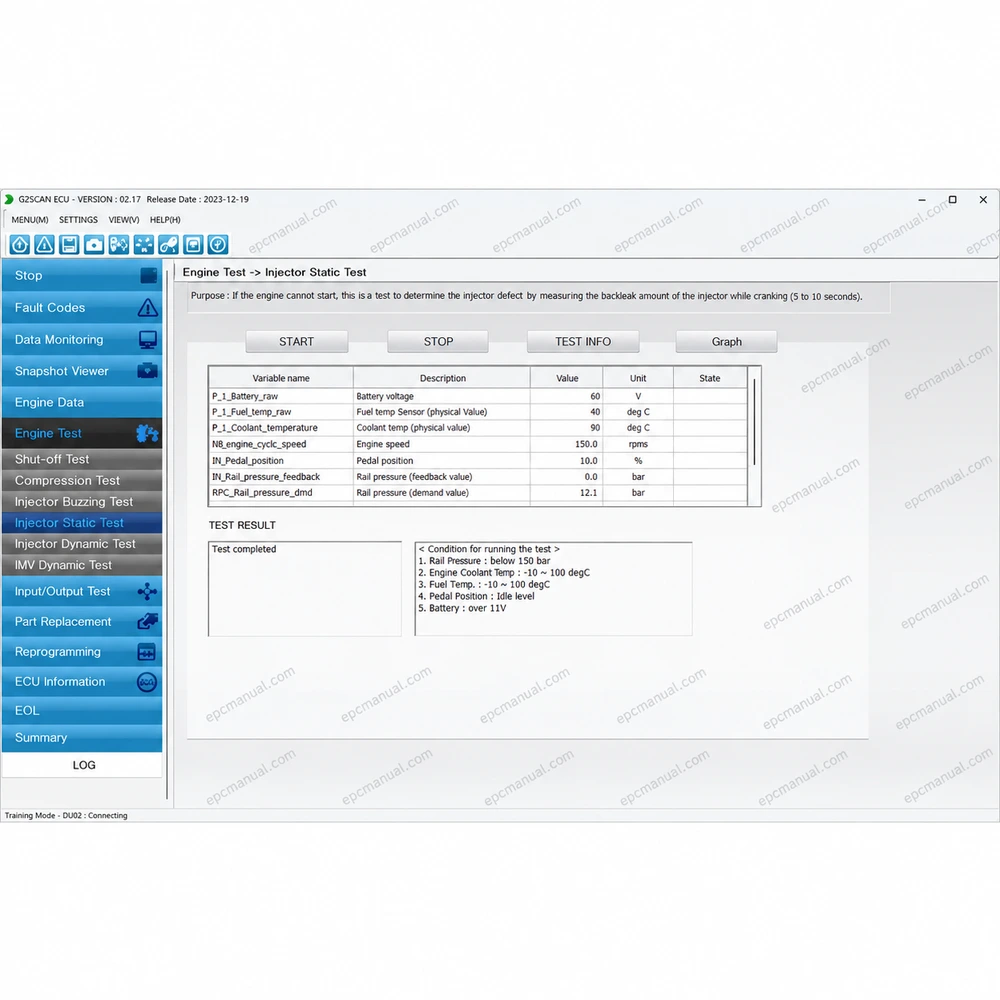
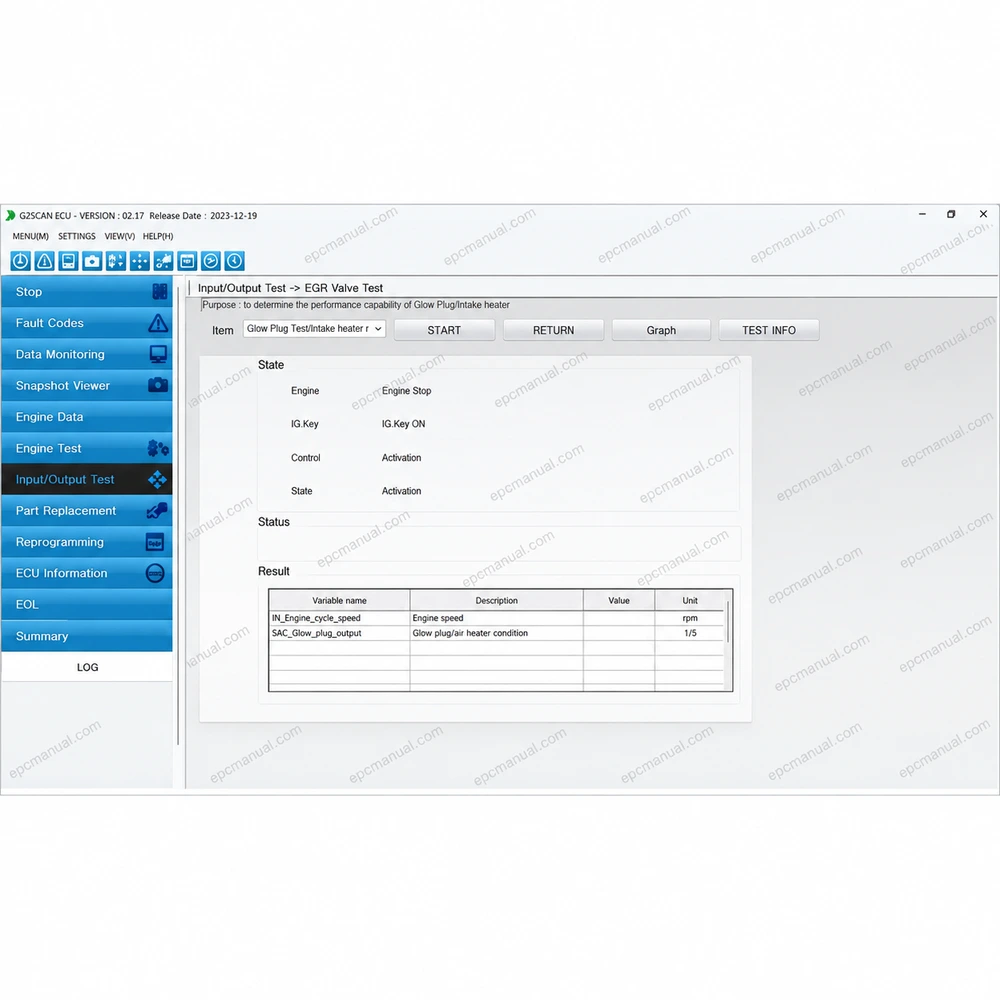
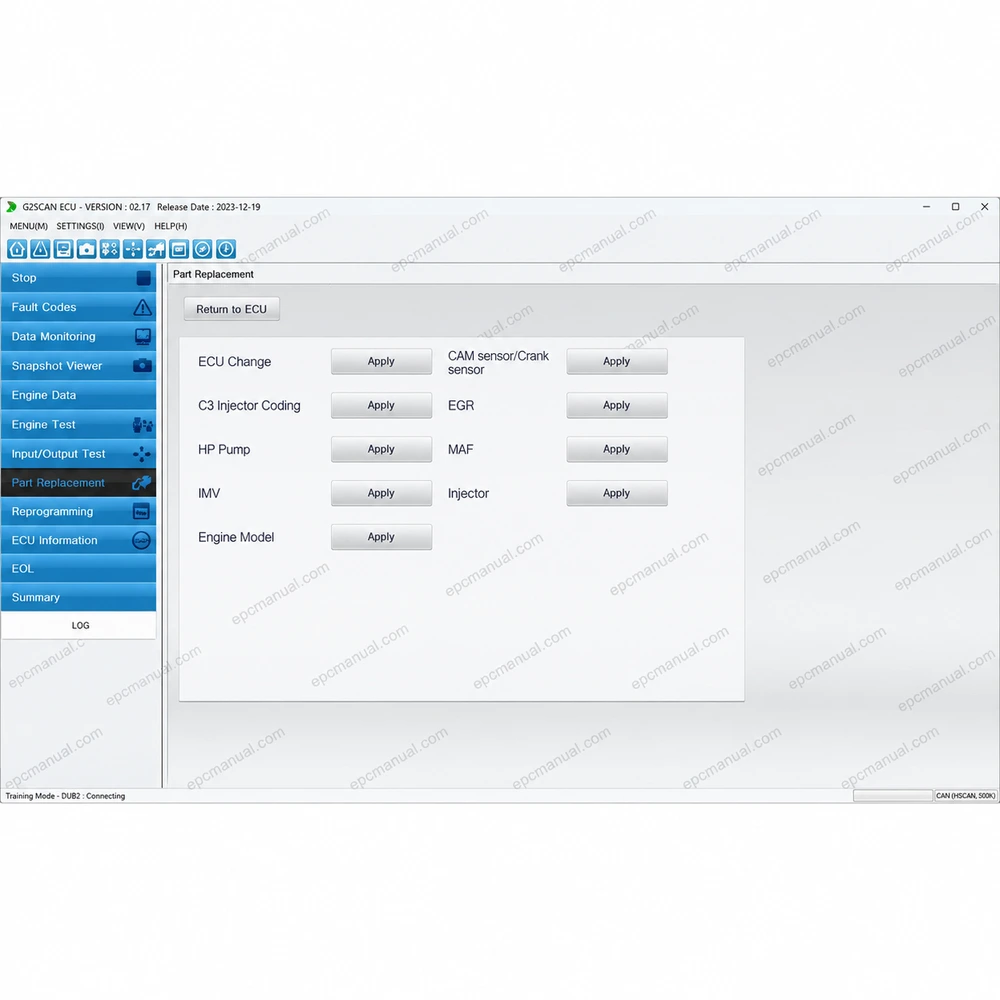
Hyundai Infracore G2 Scan ECU 2.17 is the December 2023 release of the diagnostic program for the engine control unit of G2 industrial diesel engines. The tool started life under the Doosan Infracore name, and release 2.17 carries the HD Hyundai Infracore name while serving the same engine family. This page covers what the program is, what changed in version 2.17, which systems and languages it supports and how to confirm that it fits your engine.
What is Hyundai Infracore G2 Scan ECU 2.17?
Hyundai Infracore G2 Scan ECU 2.17 is a diagnostic program that connects a Windows laptop to the ECU of G2 industrial diesel engines. Version 2.17 is dated December 2023 (2023.12). It installs from a 331 MB package and occupies 1.07 GB on disk.
G2 is the HD Hyundai Infracore family of small industrial diesel engines, from 1.8 to 3.4 liters, used in construction equipment, forklifts and agricultural machinery. HD Hyundai Infracore was previously known as Doosan Infracore, so the same tools appear under both names. Earlier releases of this program were sold as the Doosan Diagnostic Tool G2 Scan ECU.
What is new in Hyundai Infracore G2 Scan ECU 2.17?
Hyundai Infracore G2 Scan ECU 2.17 brings two changes: a stronger communication port search and data monitoring for 3 cylinder engines.
- Strengthened search function for the communication port, which helps the program find the interface connected to the laptop
- Data monitoring variables displayed for 3 cylinder engines
Both changes act at the start of a diagnostic session. The program finds the connection more reliably, and on 3 cylinder G2 engines the live data screen now shows the monitored values.
Which systems and languages does Hyundai Infracore G2 Scan ECU 2.17 support?
Hyundai Infracore G2 Scan ECU 2.17 supports 64 bit Windows 11 and Windows 10, with English, Korean and Chinese as interface and database languages.
- Operating systems: Windows 11 and Windows 10, both 64 bit
- Interface and database languages: English, Korean and Chinese
- Software type: diagnostic
- Download size: 331 MB, installed size 1.07 GB
- License time: unlimited
- Region: all regions
How can Hyundai Infracore G2 Scan ECU 2.17 compatibility be confirmed before ordering?
Compatibility is confirmed by matching the engine model, the ECU and the laptop before purchase. Send us the engine model and serial number, the number of cylinders, the ECU part number and the Windows version of your laptop. Whether the nameplate says Doosan or Hyundai Infracore, we check the engine against release 2.17 and recommend the delivery or installation option.
Frequently asked questions about Hyundai Infracore G2 Scan ECU 2.17
Is Hyundai Infracore G2 Scan ECU the same as Doosan Diagnostic Tool G2 Scan ECU?
They are the same program line under two company names. HD Hyundai Infracore was previously known as Doosan Infracore, and version 2.17 is the December 2023 release under the newer name.
Does Hyundai Infracore G2 Scan ECU 2.17 run on Windows 7?
Windows 7 is not listed for version 2.17. The supported systems are Windows 11 and Windows 10, both 64 bit.
What are the languages of HYUNDAI INFRACORE G2 SCAN ECU 2.17 [2023.12]?
The interface and the database are available in English, Korean and Chinese.
All manufacturer and product names are trademarks of their respective owners. This listing provides technical reference material for professional parts identification, diagnosis, service, and repair.
Reviews
There are no reviews yet.