
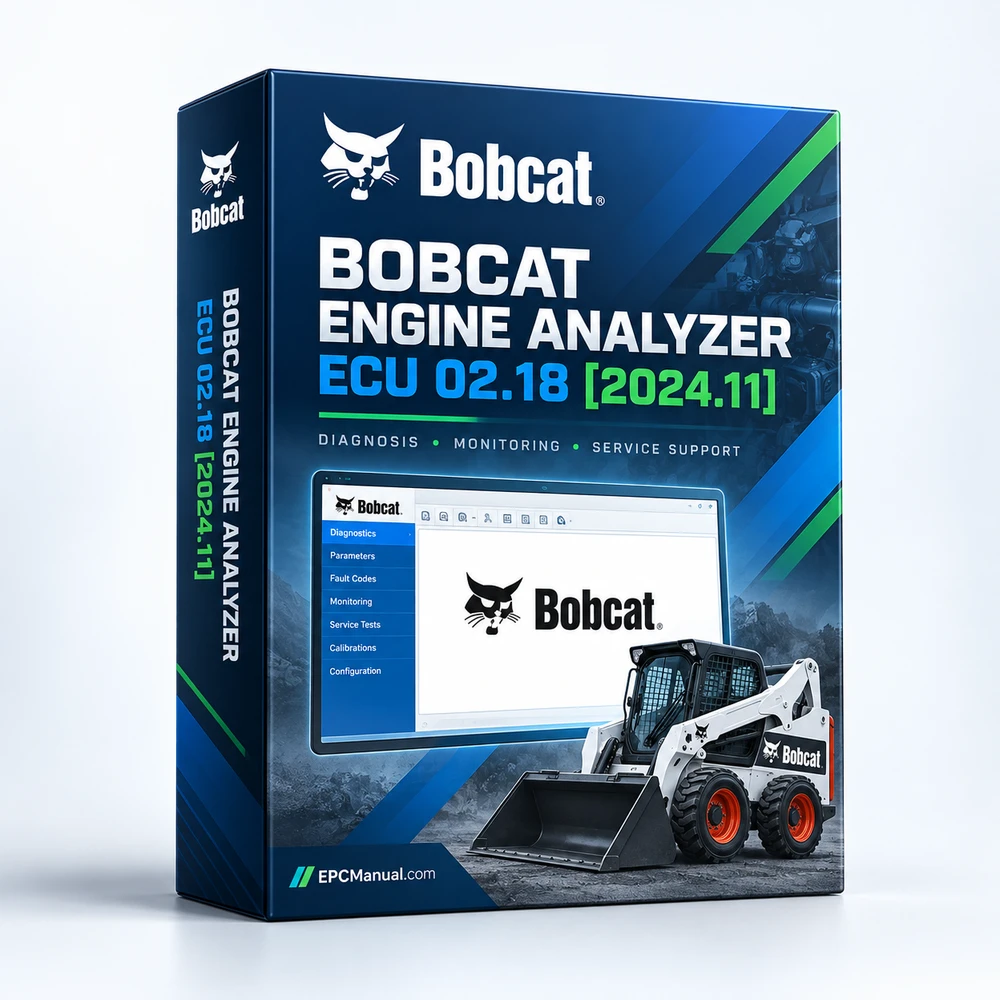
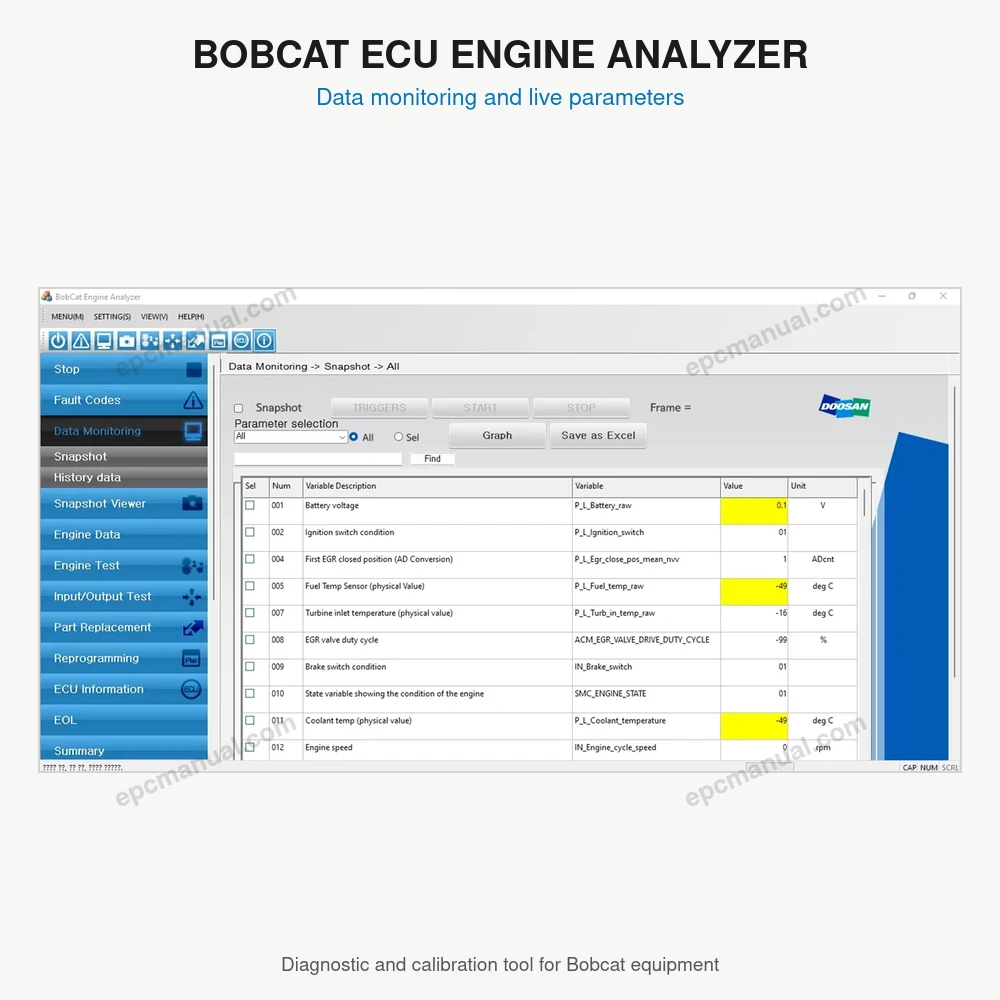
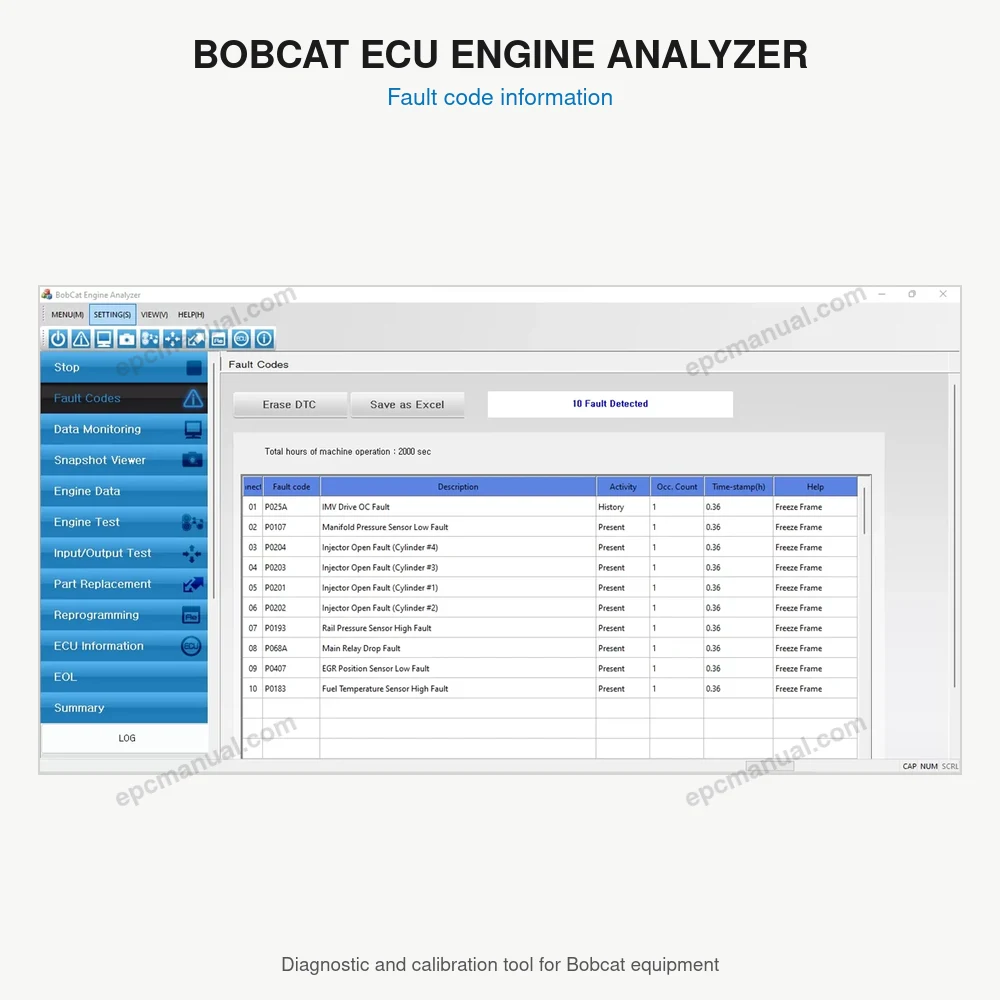
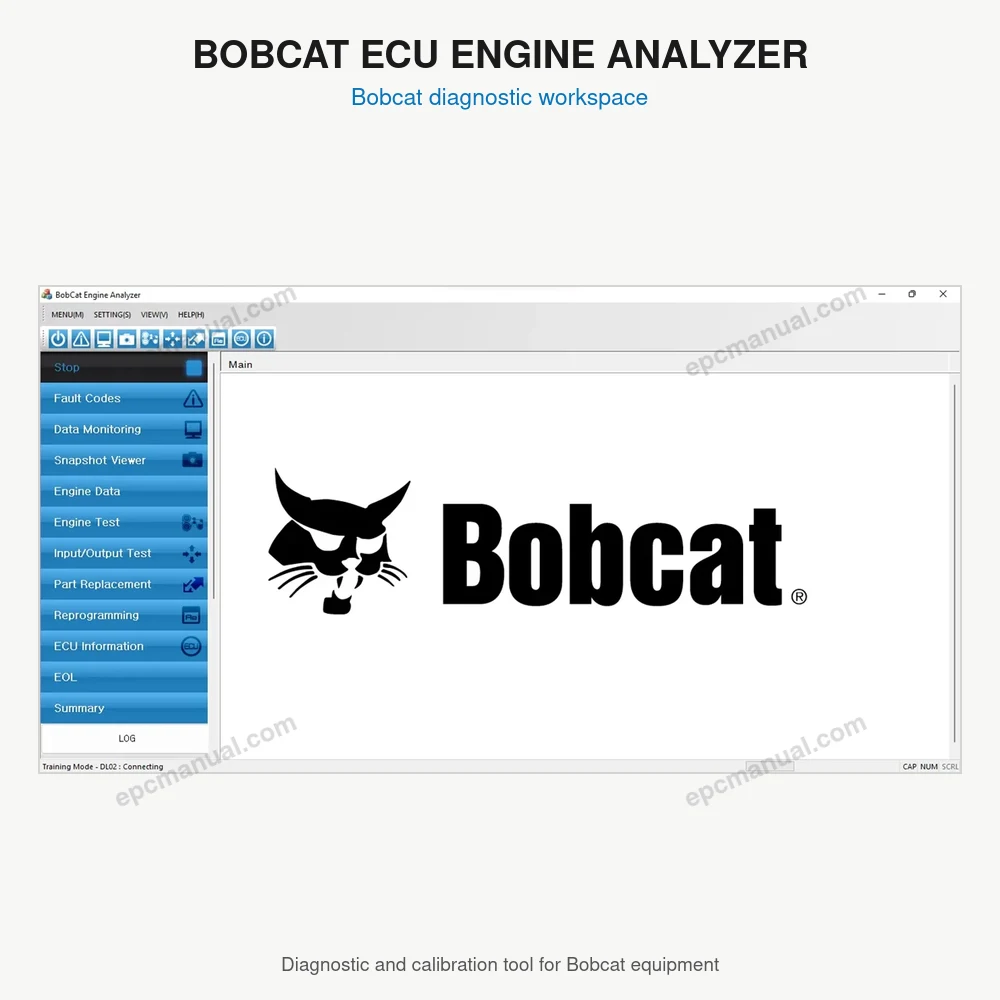
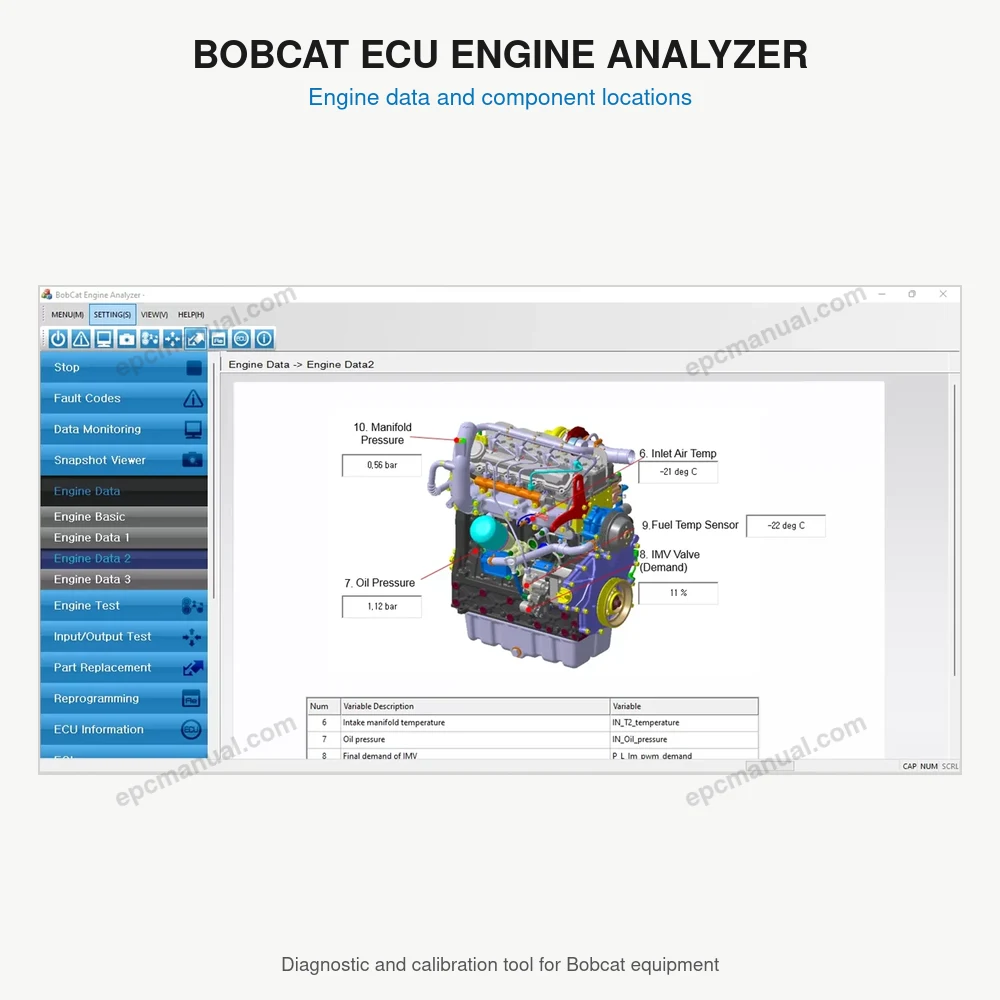
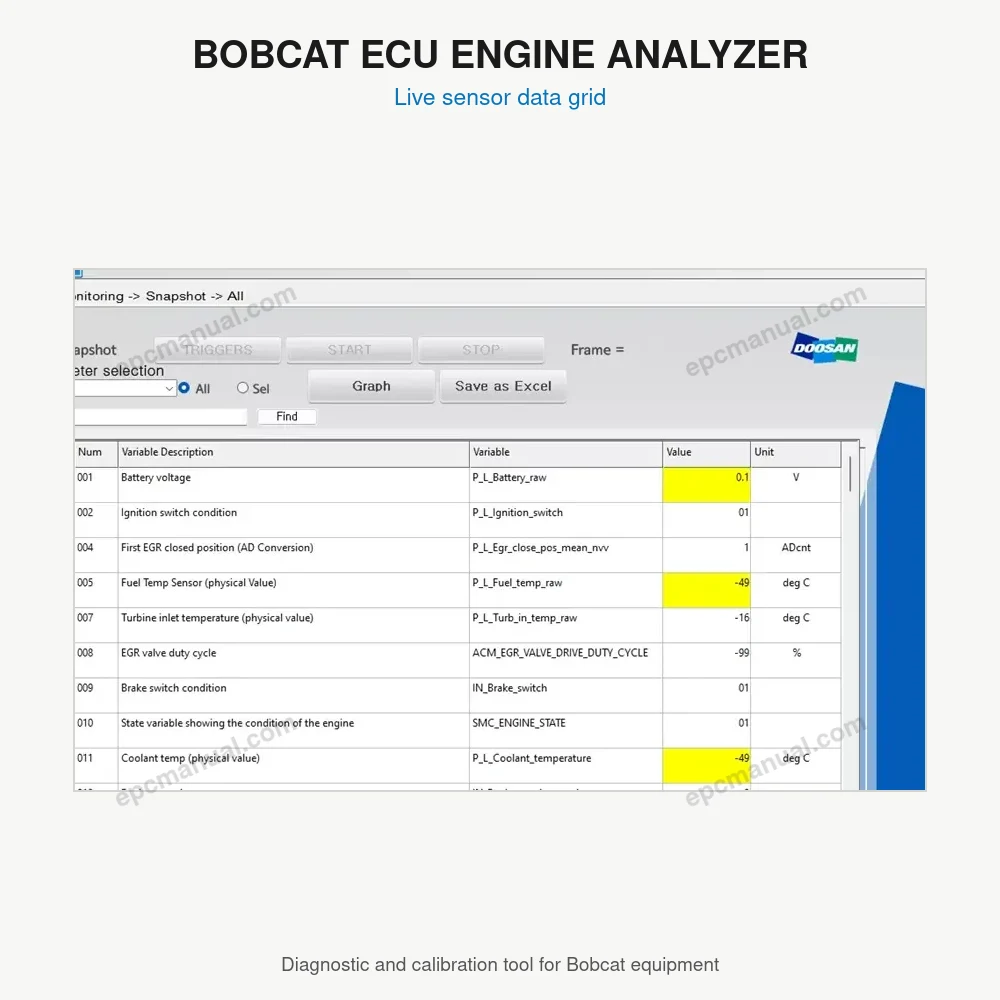
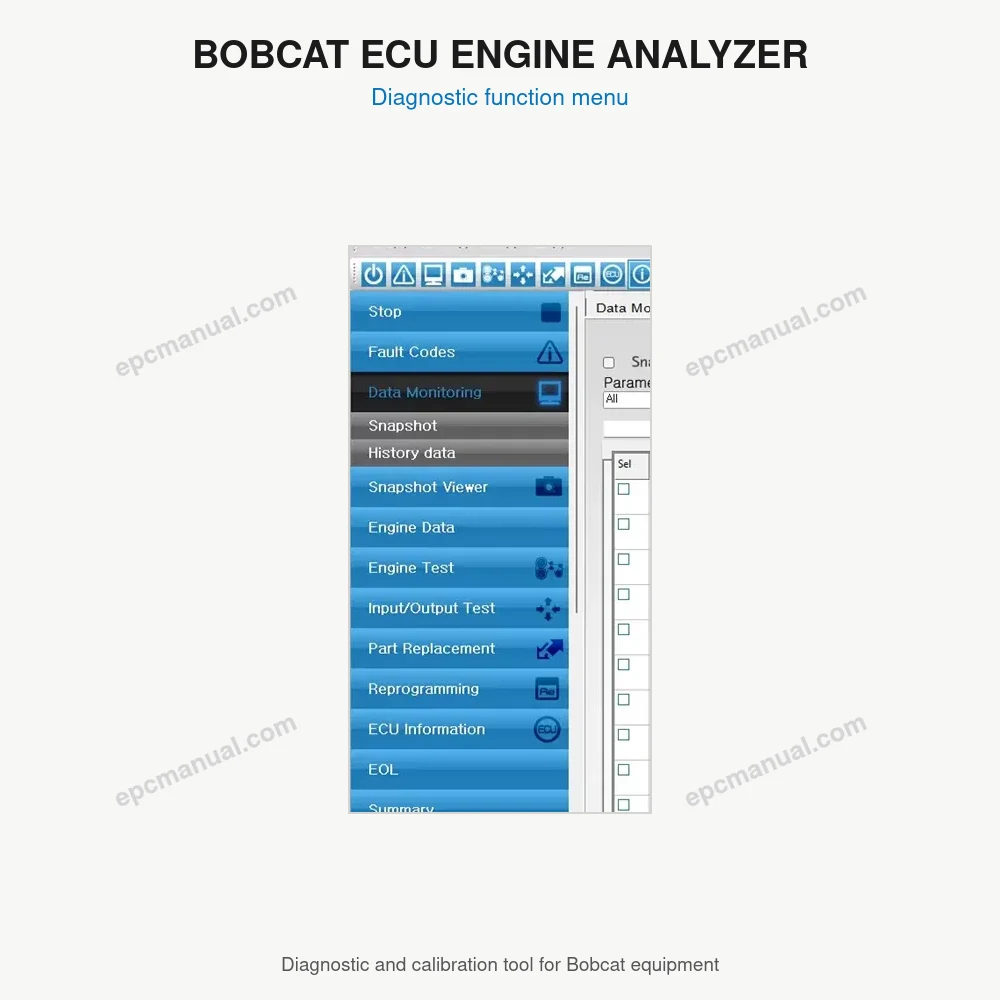
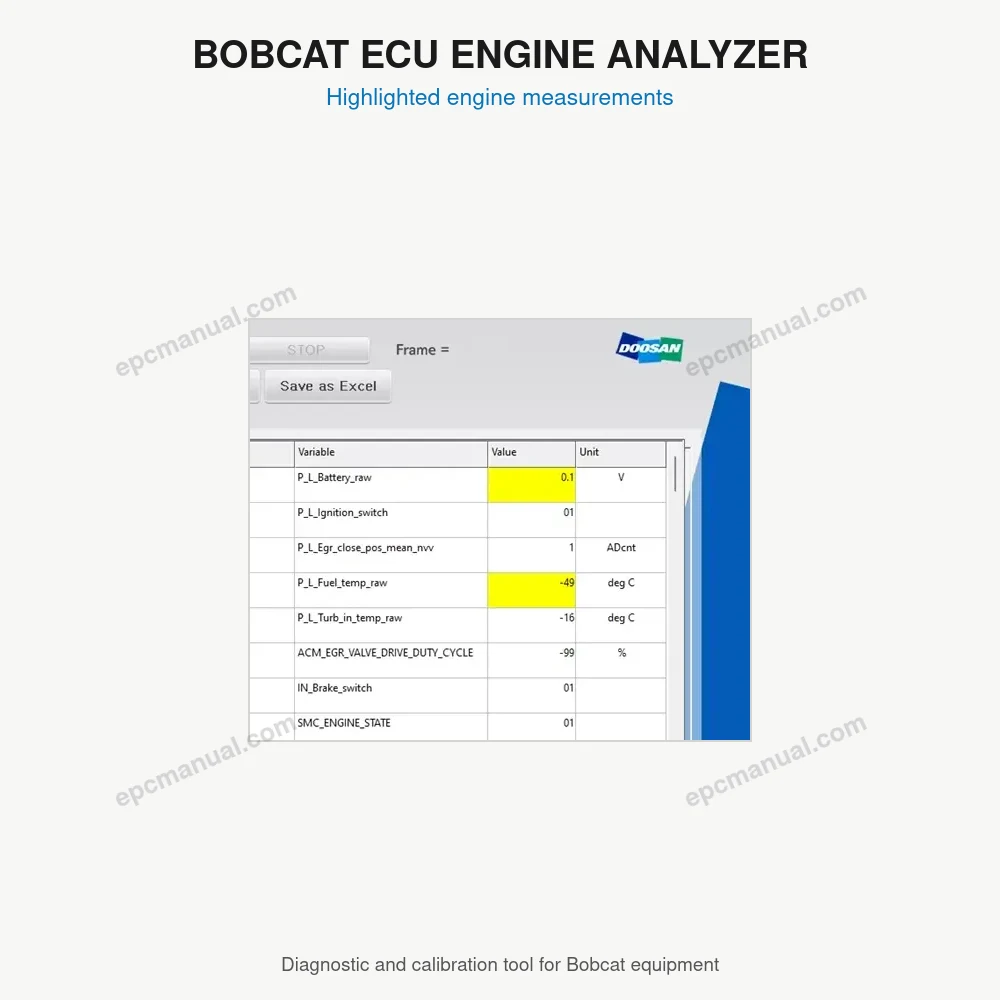
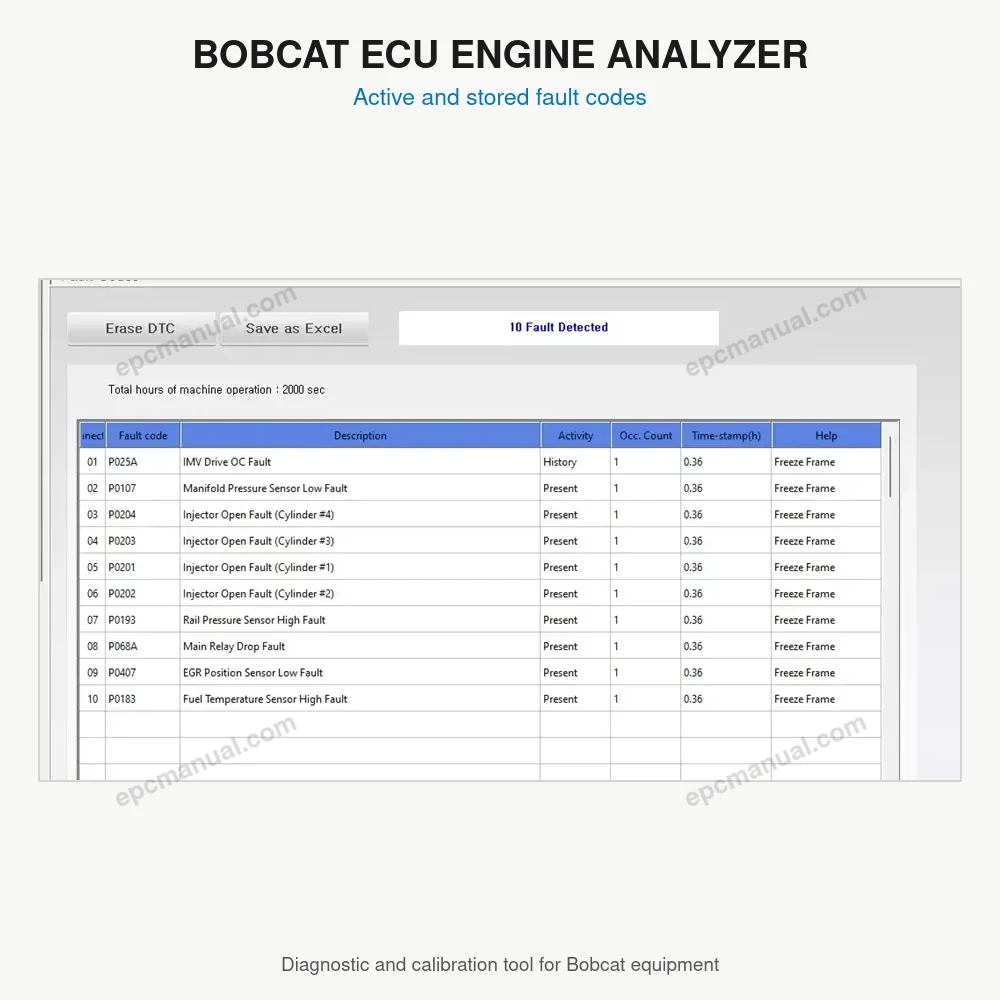
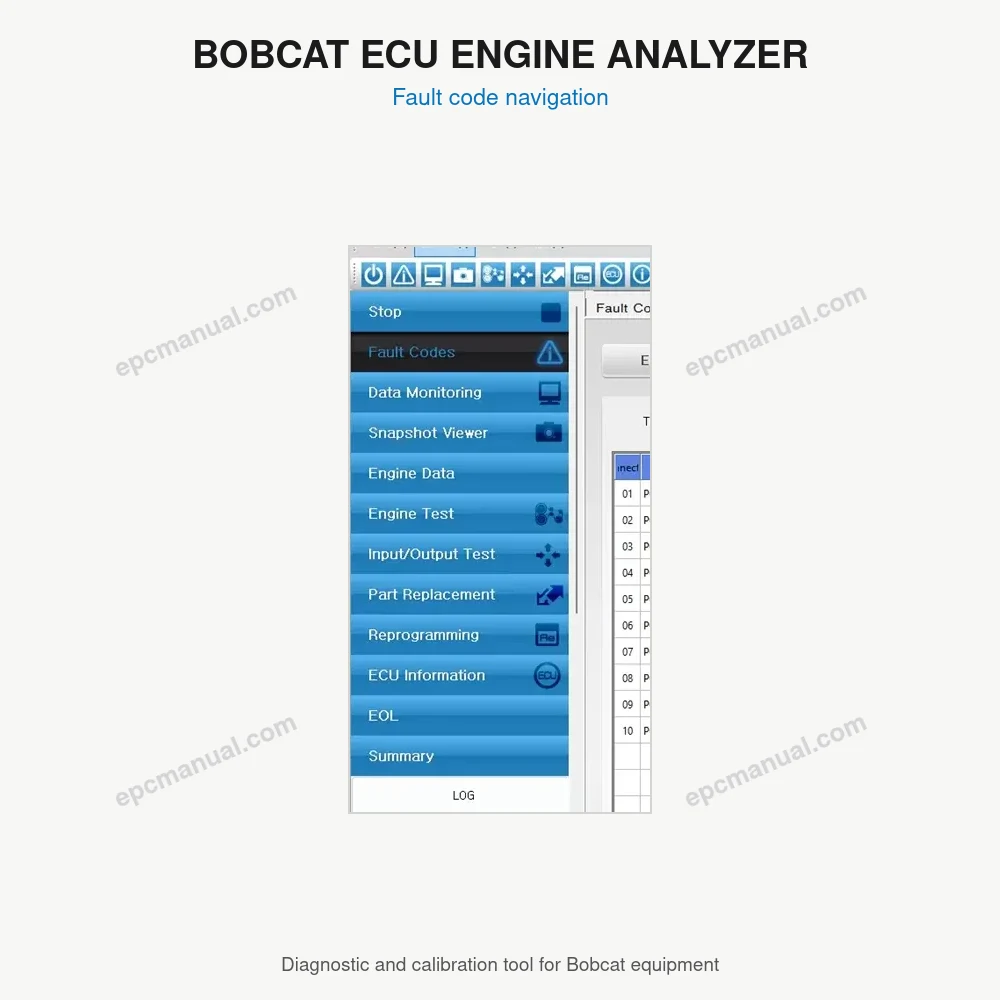
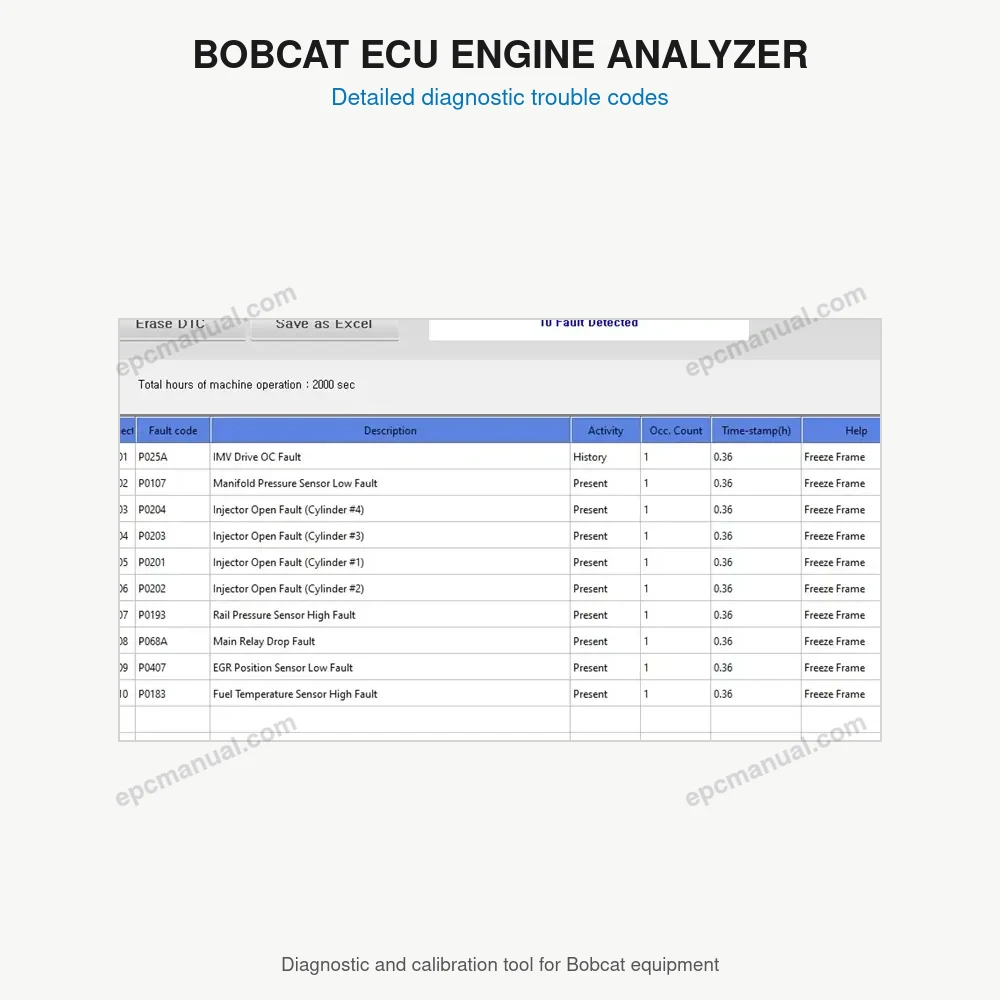
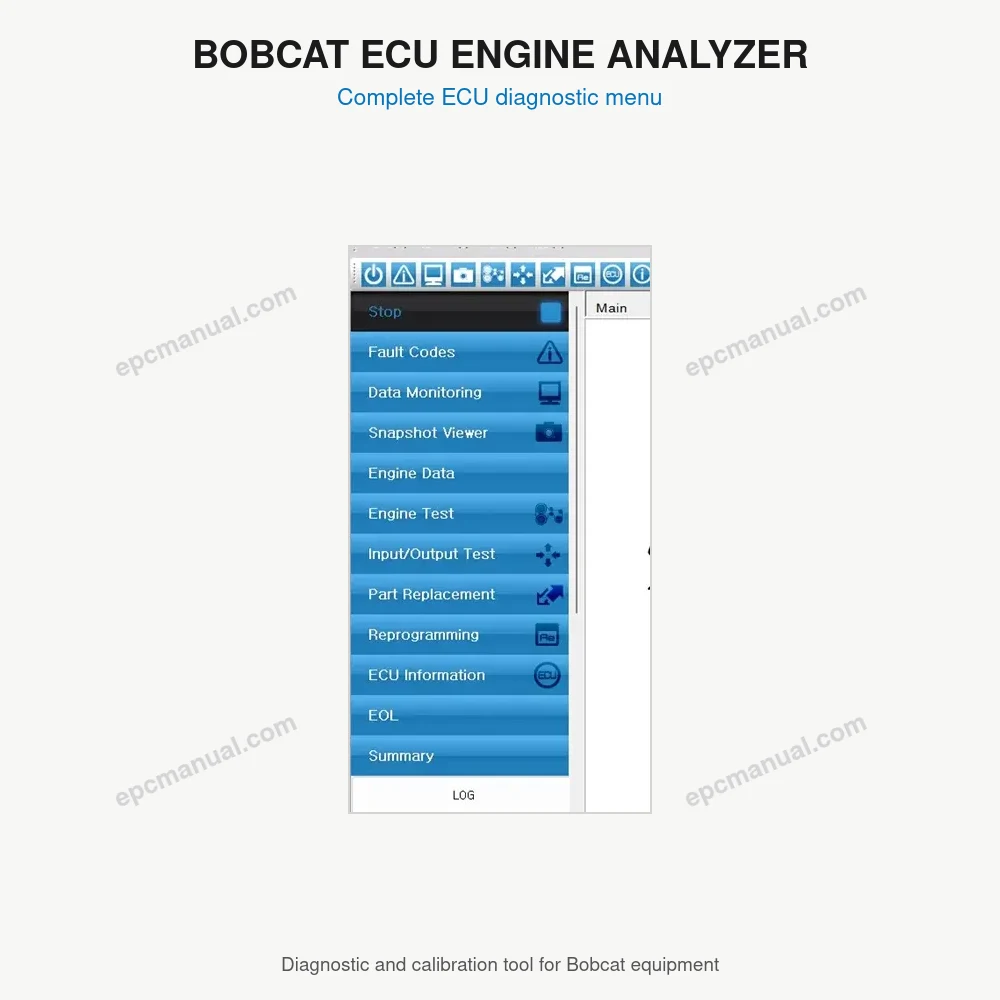
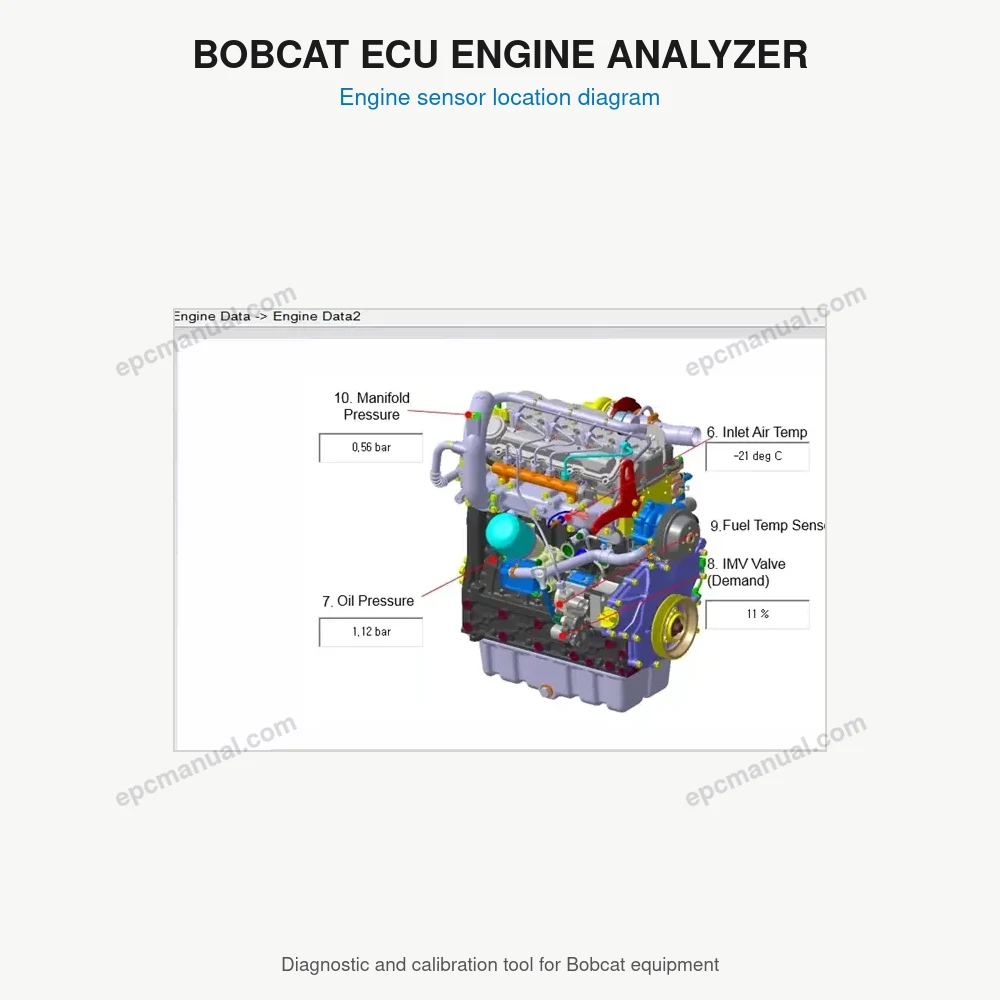
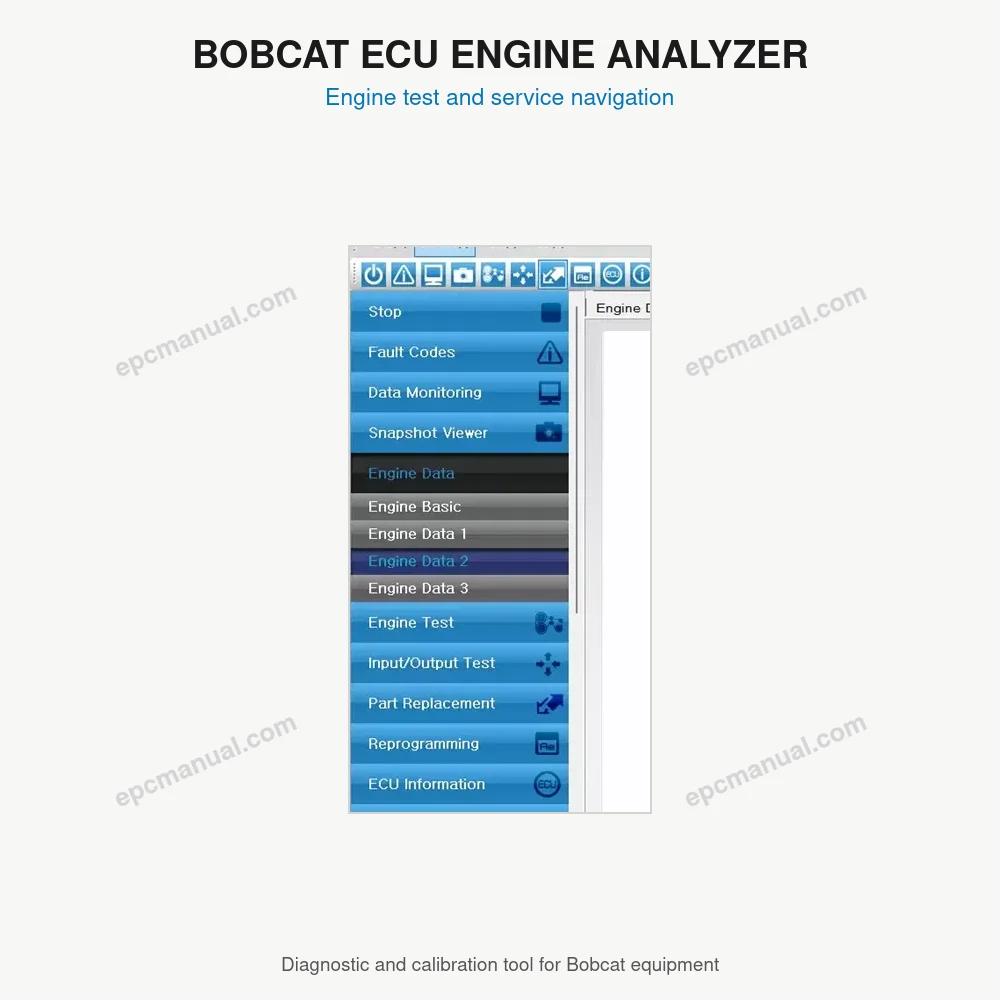
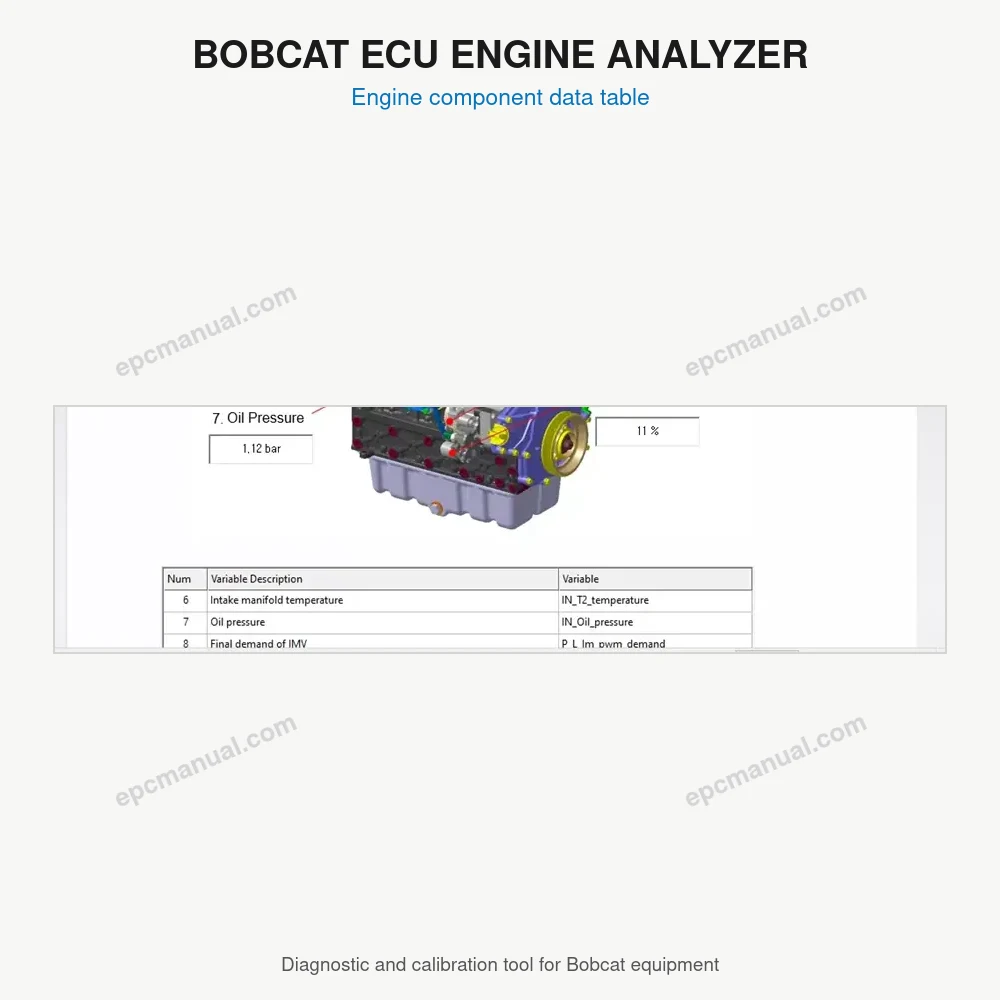
Bobcat Engine Analyzer ECU 02.18 is a diagnostic and calibration program for the engine control unit (ECU) of Bobcat equipment, released in November 2024. The Bobcat Engine Analyzer is sold in separate editions for separate control units, so the first question in any repair is which controller the laptop needs to talk to. This page explains what the ECU edition does, how it relates to the DCU and V2 editions, which license types and systems it supports and how to confirm that it matches your machine.
What is Bobcat Engine Analyzer ECU 02.18?
Bobcat Engine Analyzer ECU 02.18 is the ECU edition of the Bobcat Engine Analyzer, used to diagnose and calibrate the engine control unit. Version 02.18 is dated November 2024 (2024.11). It installs from a 204 MB package and occupies 0.95 GB on disk.
The edition name points to the controller it reads. The ECU edition connects to the engine control unit, while the DCU edition connects to the DCU and the V2 edition is offered as a separate program. All three versions carry the same November 2024 date.
What features does Bobcat Engine Analyzer ECU 02.18 offer?
Bobcat Engine Analyzer ECU 02.18 offers diagnostic and calibration functions for the engine control unit, available under three license types:
- Service license
- Supervisor license
- Developer license
The license type is chosen at ordering. Because the ECU edition reads only the engine controller, faults stored in other controllers on the same machine require the matching edition.
Which systems and languages does Bobcat Engine Analyzer ECU 02.18 support?
Bobcat Engine Analyzer ECU 02.18 supports 64 bit Windows 11, Windows 10 and Windows 7, with an English and Korean interface.
- Operating systems: Windows 11, Windows 10 and Windows 7, all 64 bit
- Interface languages: English and Korean
- Database language: English
- Download size: 204 MB, installed size 0.95 GB
- License time: unlimited
- Region: all regions
How can Bobcat Engine Analyzer ECU 02.18 compatibility be confirmed before ordering?
Compatibility is confirmed by identifying the machine, its engine and the controller that holds the fault. Send us the Bobcat model and serial number, the engine model, the fault code you see and the Windows version of your laptop. We confirm whether the ECU edition is the right controller match or whether the DCU or V2 edition fits better, and we recommend the delivery or installation option before purchase.
Frequently asked questions about Bobcat Engine Analyzer ECU 02.18
What is the difference between the Bobcat Engine Analyzer ECU and DCU editions?
The two editions read different control units. The ECU edition connects to the engine control unit, and the DCU edition connects to the DCU. The controller named in the fault information usually shows which edition is needed.
Does Bobcat Engine Analyzer ECU 02.18 run on Windows 11?
Yes, in 64 bit. The supported systems are Windows 11, Windows 10 and Windows 7, all 64 bit. 32 bit systems are not listed for this version.
What are the languages of BOBCAT ENGINE ANALYZER ECU 02.18 [2024.11]?
The interface is available in English and Korean, and the database language is English.
All manufacturer and product names are trademarks of their respective owners. This listing provides technical reference material for professional parts identification, diagnosis, service, and repair.
Reviews
There are no reviews yet.