
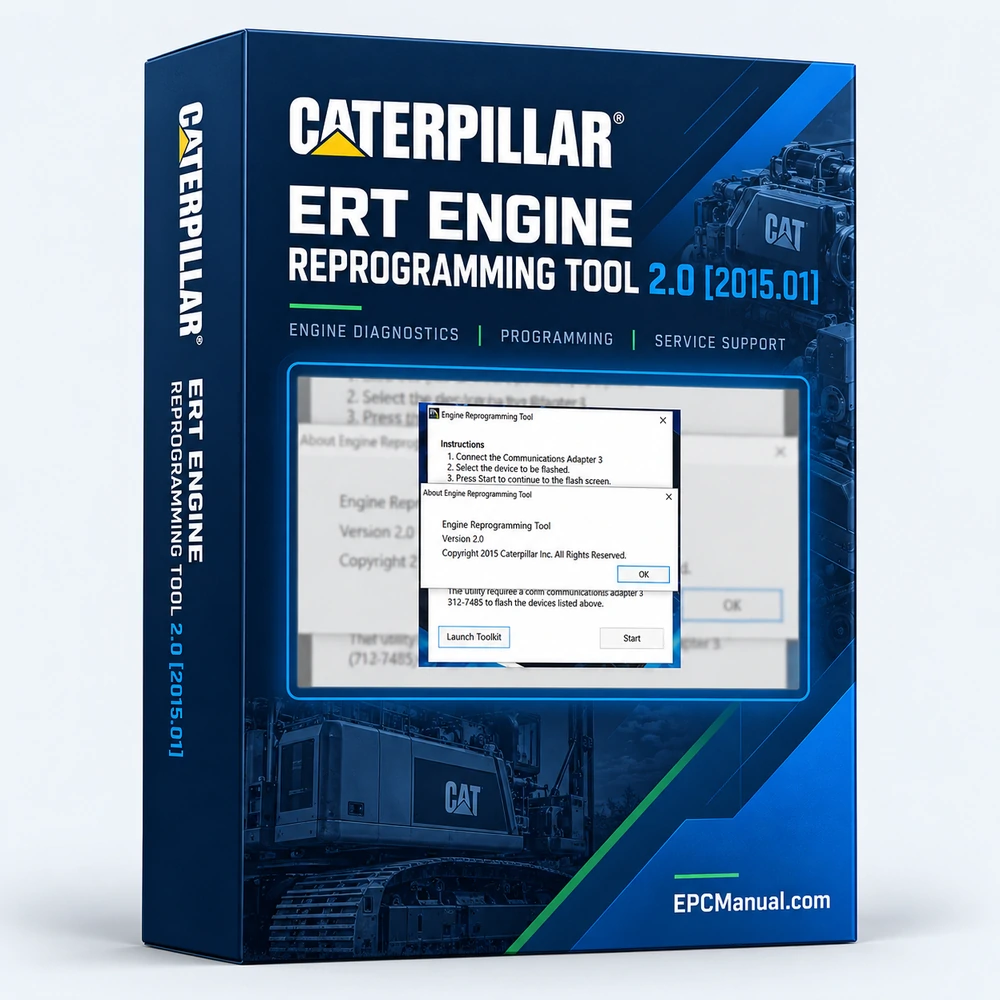
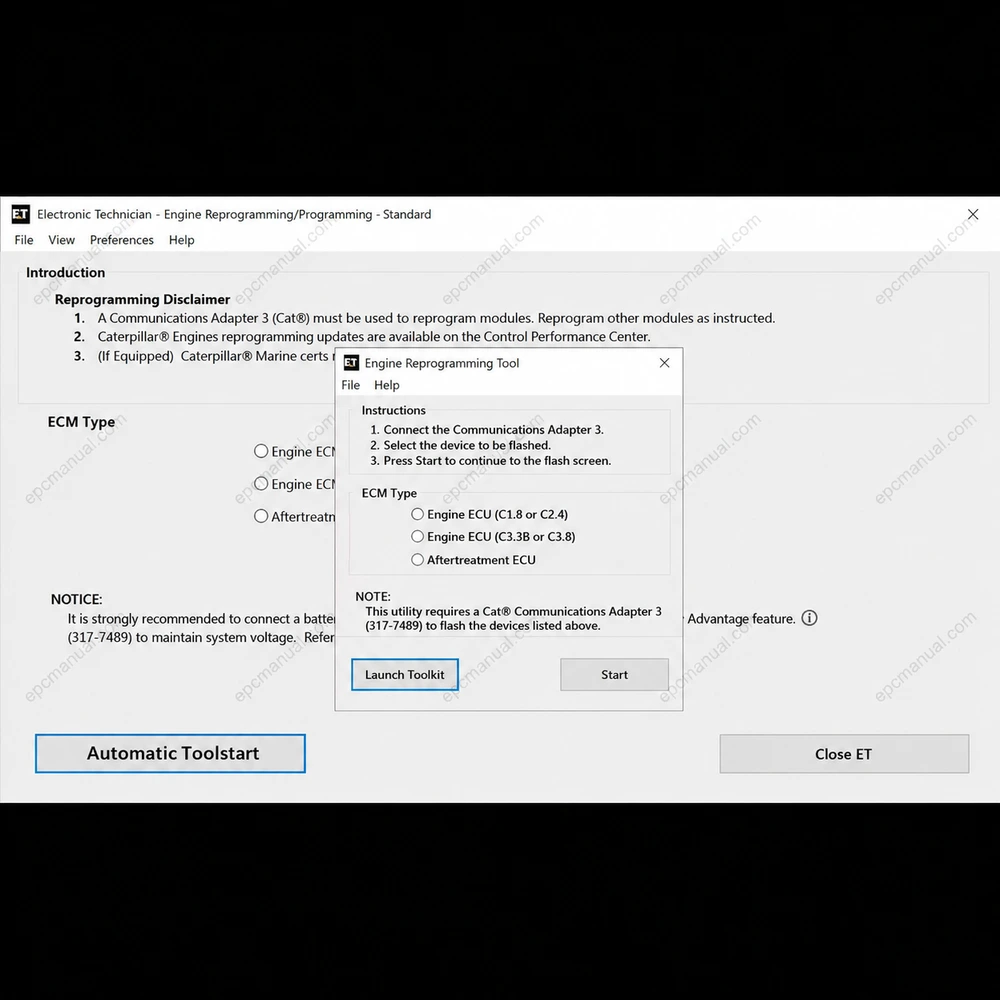
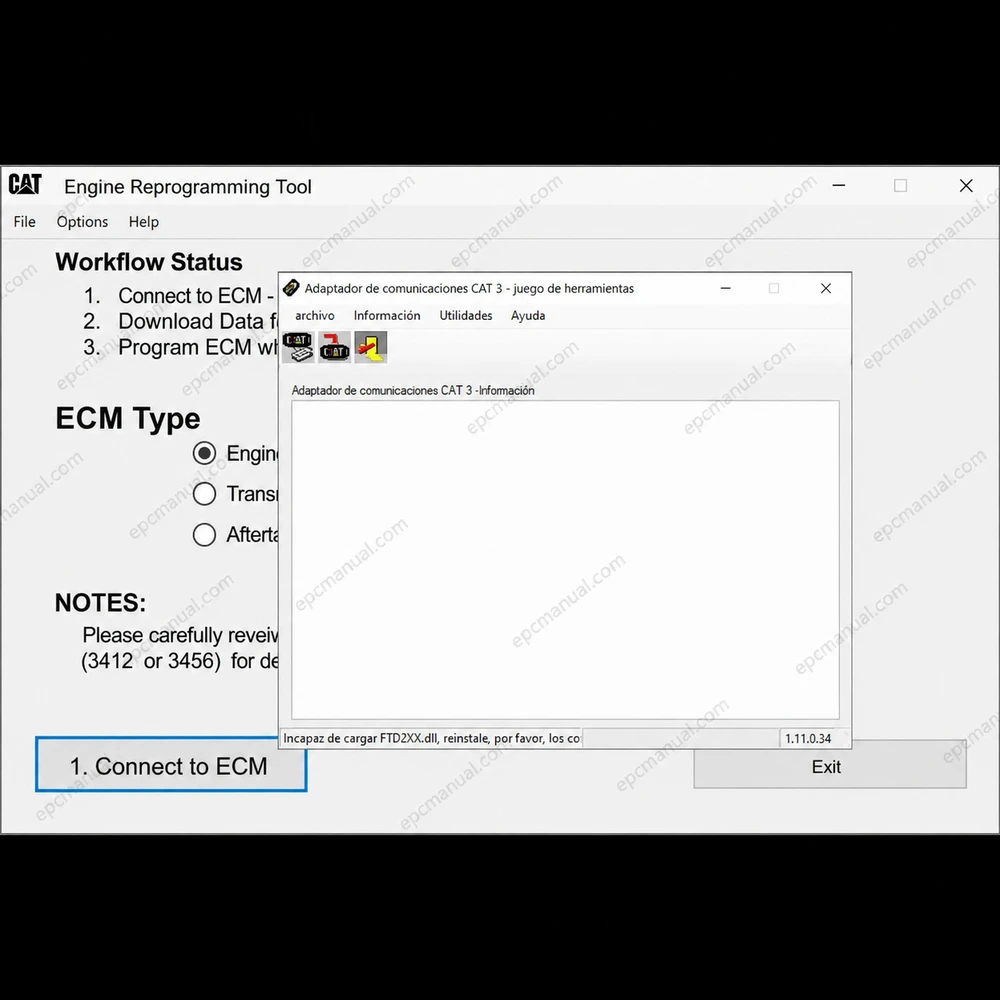
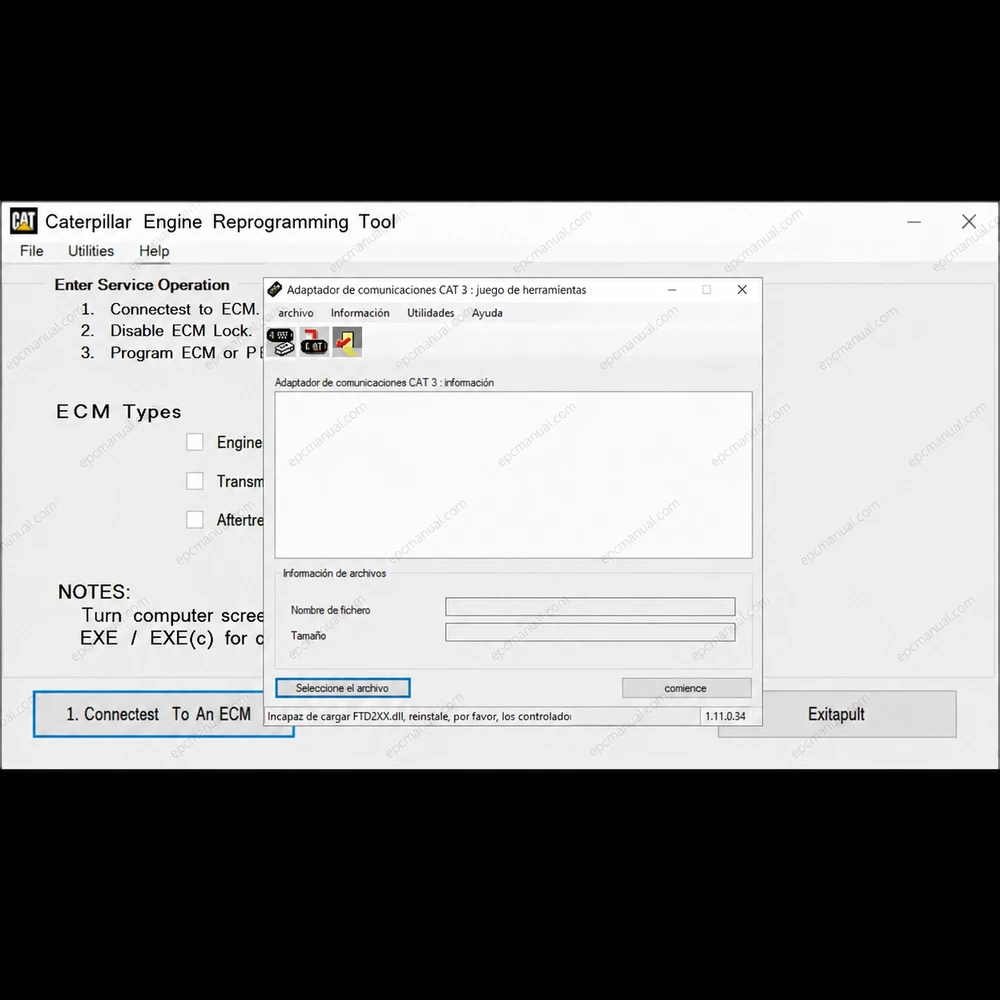
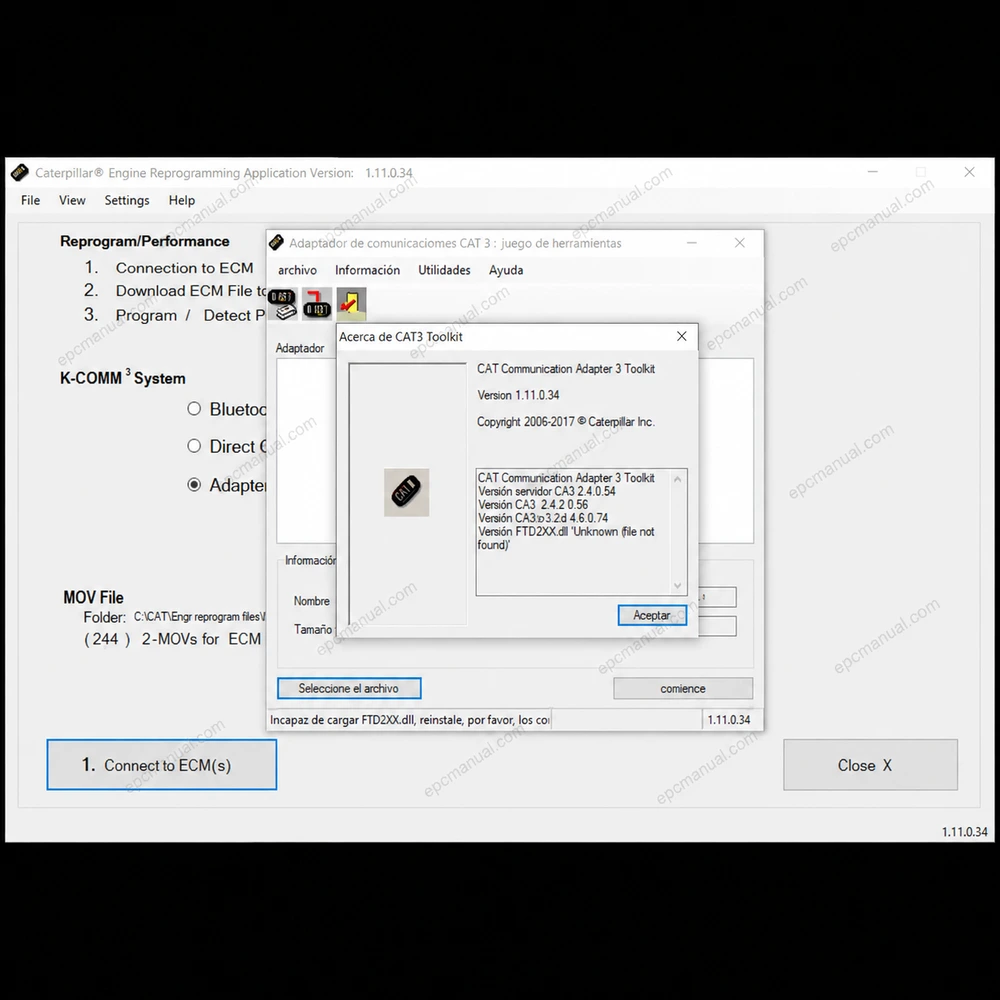
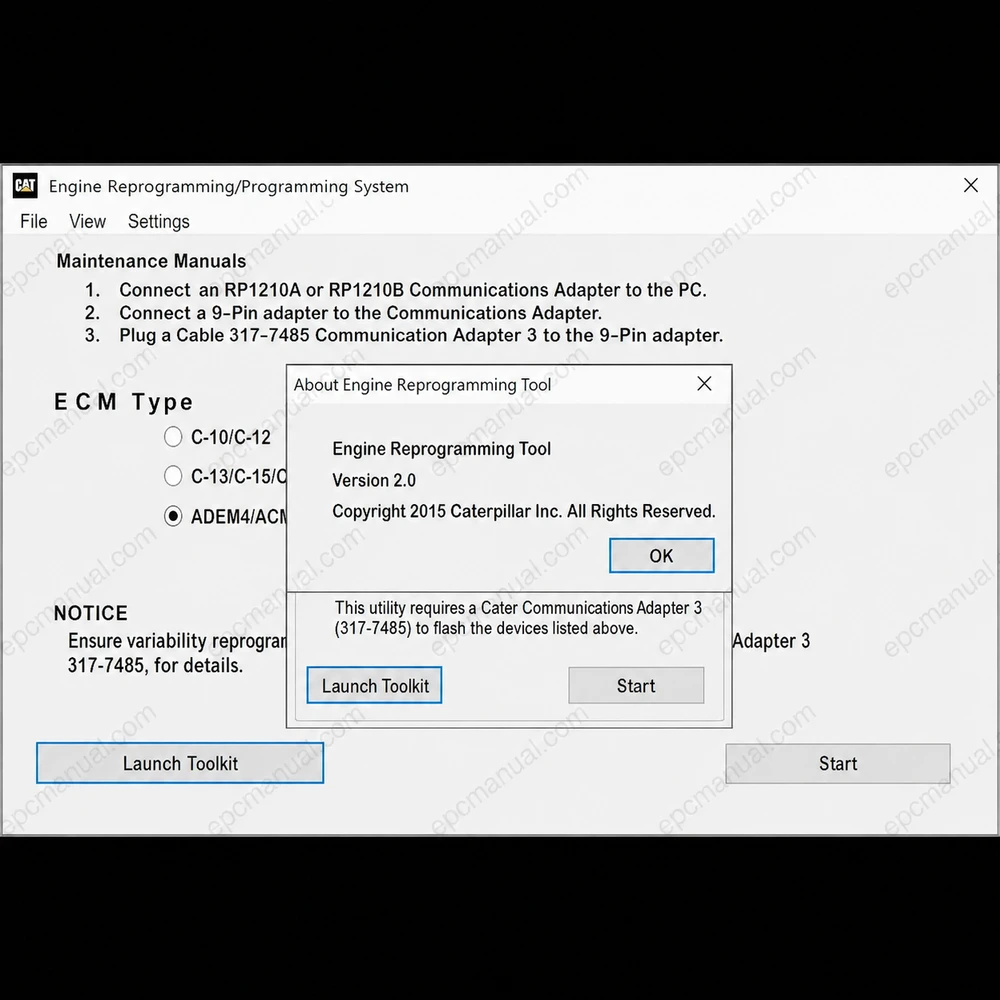
Caterpillar ERT Engine Reprogramming Tool 2.0 is a Windows flashing utility that loads new software into specific Caterpillar ECUs and ACUs that Cat Electronic Technician (Cat ET) cannot flash. It is the specialist that takes over where Cat ET stops. Released in January 2015 (2015.01), it installs from a 1.63 MB package and works with DPK flash files instead of the FLS and FL2 files used by standard Caterpillar flashing. This page covers its role next to Cat ET, the file format it accepts, its system requirements and how to confirm that it fits your engine.
What is Caterpillar ERT Engine Reprogramming Tool 2.0?
Caterpillar ERT Engine Reprogramming Tool 2.0 is a dedicated reprogramming application for Caterpillar engines and models. Its scope is narrow by design: it flashes the specific ECUs and ACUs for which Cat ET does not offer flashing, and it leaves diagnostics and configuration to Cat ET.
Version 2.0 is dated January 2015. The program is distributed as an MSI installer of 1.63 MB, which makes it one of the smallest tools in the Caterpillar service software set.
Which flash files does Caterpillar ERT Engine Reprogramming Tool 2.0 use?
Caterpillar ERT Engine Reprogramming Tool 2.0 uses DPK flash files. Traditional Caterpillar flash files have other extensions: FLS is the original flash file, and FL2 combines the flash data for a specific ECU with its release notes.
FLS and FL2 files are flashed through Cat ET. DPK files are flashed through ERT, which is why a workshop that already owns Cat ET still needs ERT for the devices outside Cat ET’s flashing range.
Which systems does Caterpillar ERT Engine Reprogramming Tool 2.0 support?
Caterpillar ERT Engine Reprogramming Tool 2.0 supports 64 bit Windows 11 and Windows 10, with an English interface.
- Operating systems: Windows 11 and Windows 10, both 64 bit
- Interface and database language: English
- Software type: reprogramming
- Package: MSI installer, 1.63 MB
- Region: all regions
How can Caterpillar ERT Engine Reprogramming Tool 2.0 compatibility be confirmed before ordering?
Compatibility is confirmed by checking the control unit and the flash file format before purchase. Send us the engine serial number, the part number of the ECU or ACU, the flash file type you have (DPK, FLS or FL2) and the Windows version of your laptop. If the file is FLS or FL2, Cat ET is the right tool. If it is DPK, ERT 2.0 takes over where Cat ET stops, and we recommend the matching delivery or installation option.
Frequently asked questions about Caterpillar ERT Engine Reprogramming Tool 2.0
Does Caterpillar ERT Engine Reprogramming Tool 2.0 replace Cat ET?
No. ERT 2.0 is used alongside Cat ET for the ECUs and ACUs that Cat ET cannot flash. Diagnostics, configuration and FLS or FL2 flashing remain Cat ET tasks.
Which flash file format does Caterpillar ERT Engine Reprogramming Tool 2.0 need?
ERT 2.0 expects DPK flash files. FLS and FL2 files belong to the standard Cat ET flashing process.
Does Caterpillar ERT Engine Reprogramming Tool 2.0 run on Windows 11?
Yes, in 64 bit. The supported systems are Windows 11 and Windows 10, both 64 bit.
All manufacturer and product names are trademarks of their respective owners. This listing provides technical reference material for professional parts identification, diagnosis, service, and repair.
Reviews
There are no reviews yet.