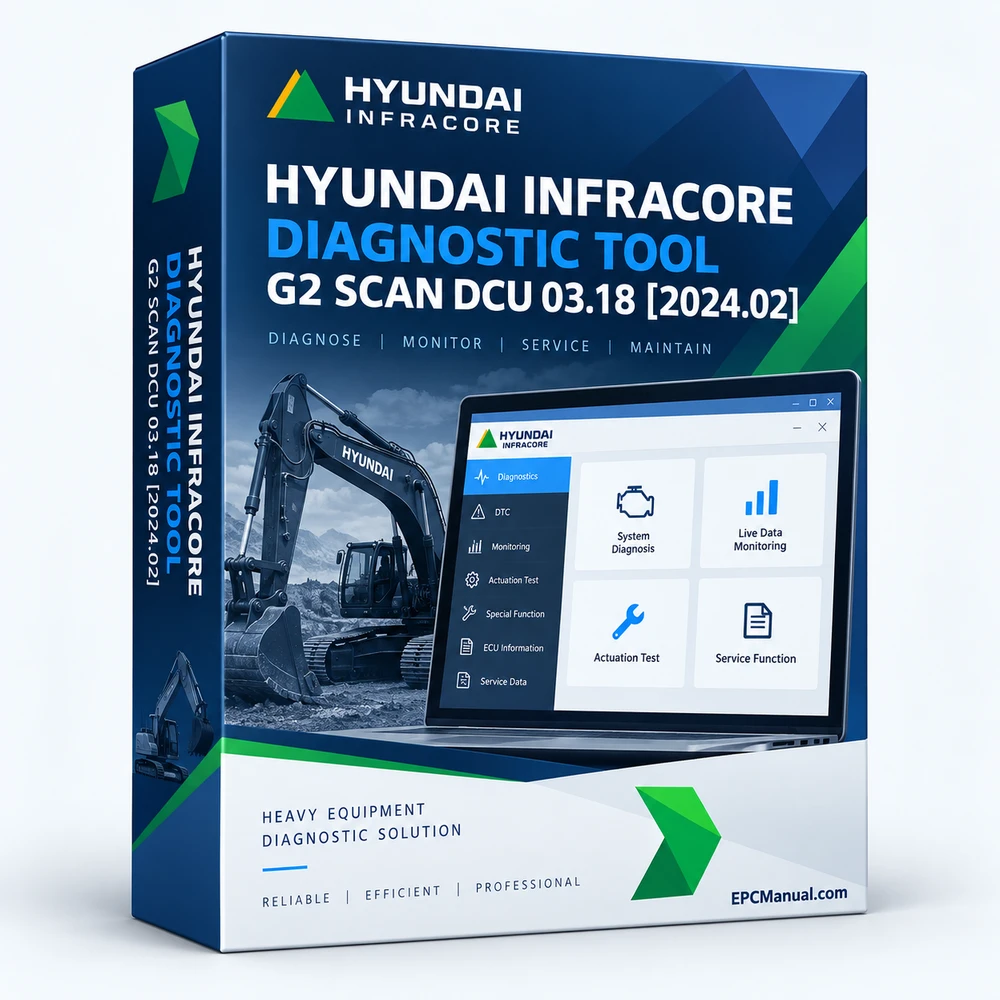
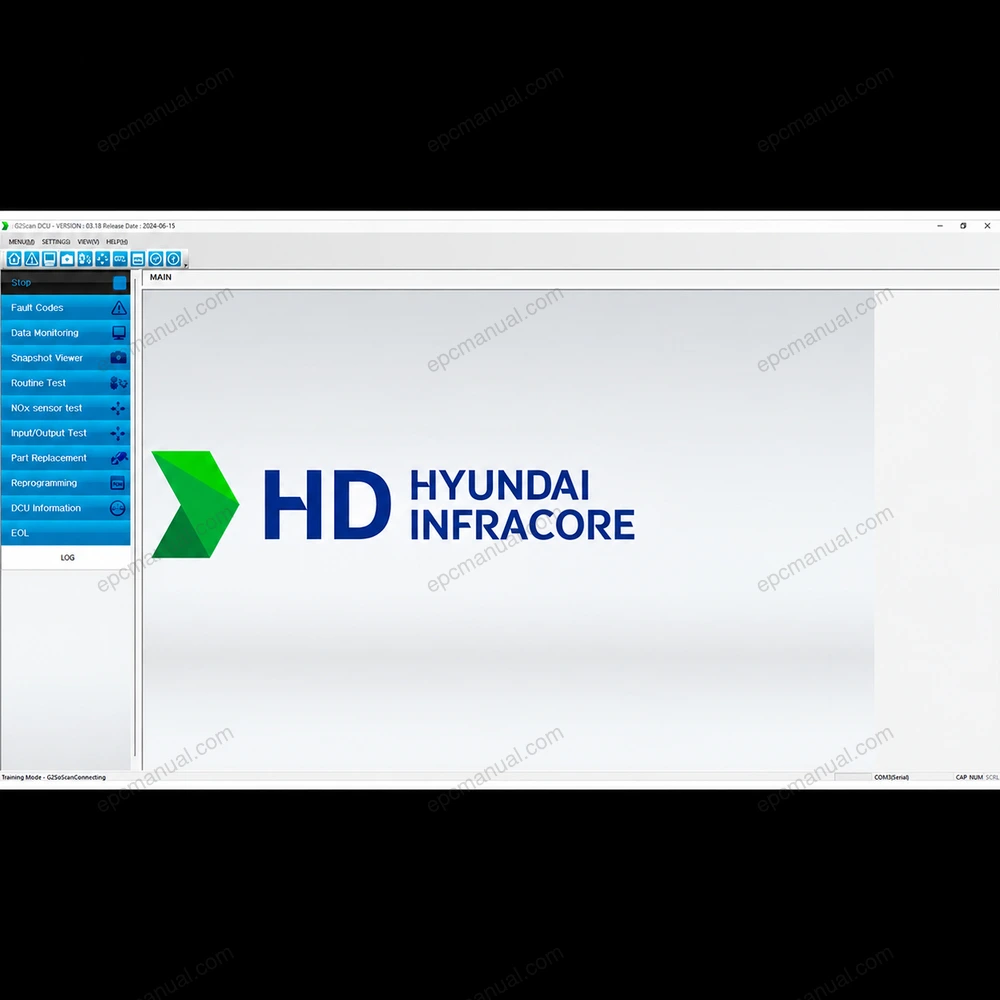
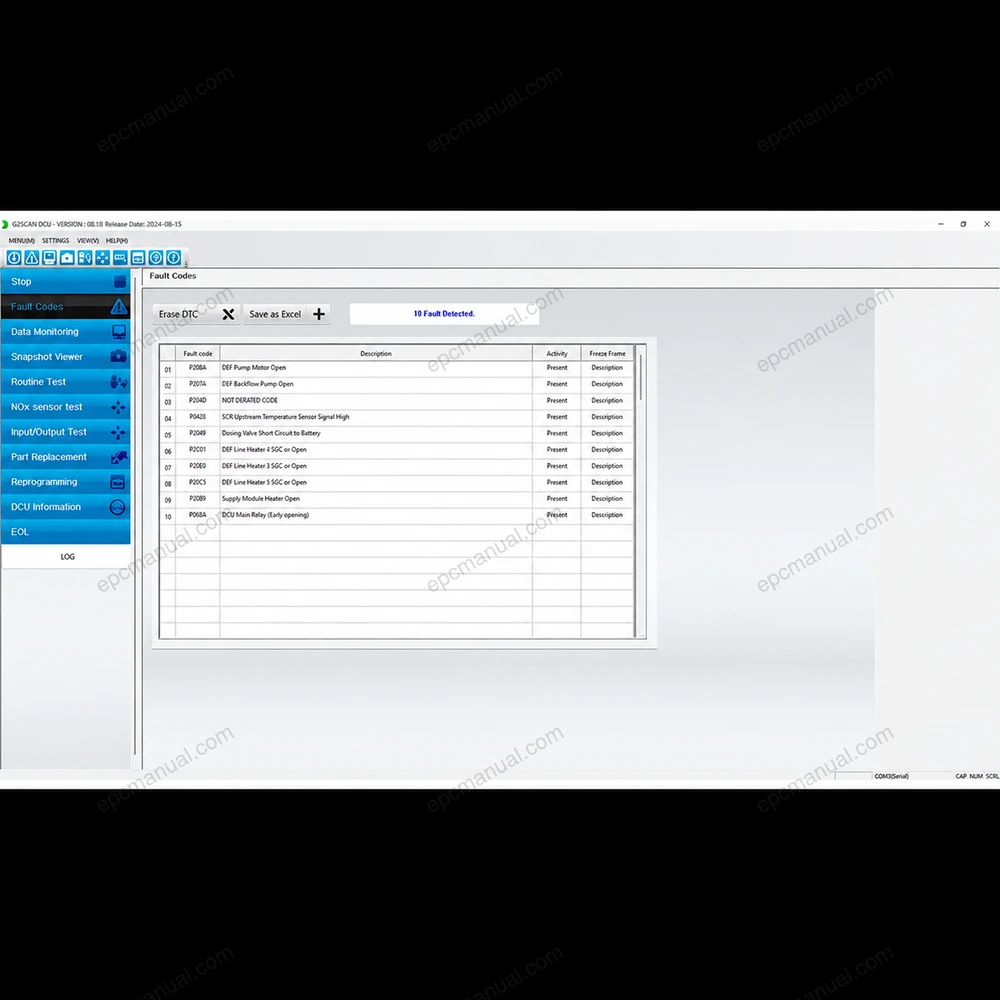
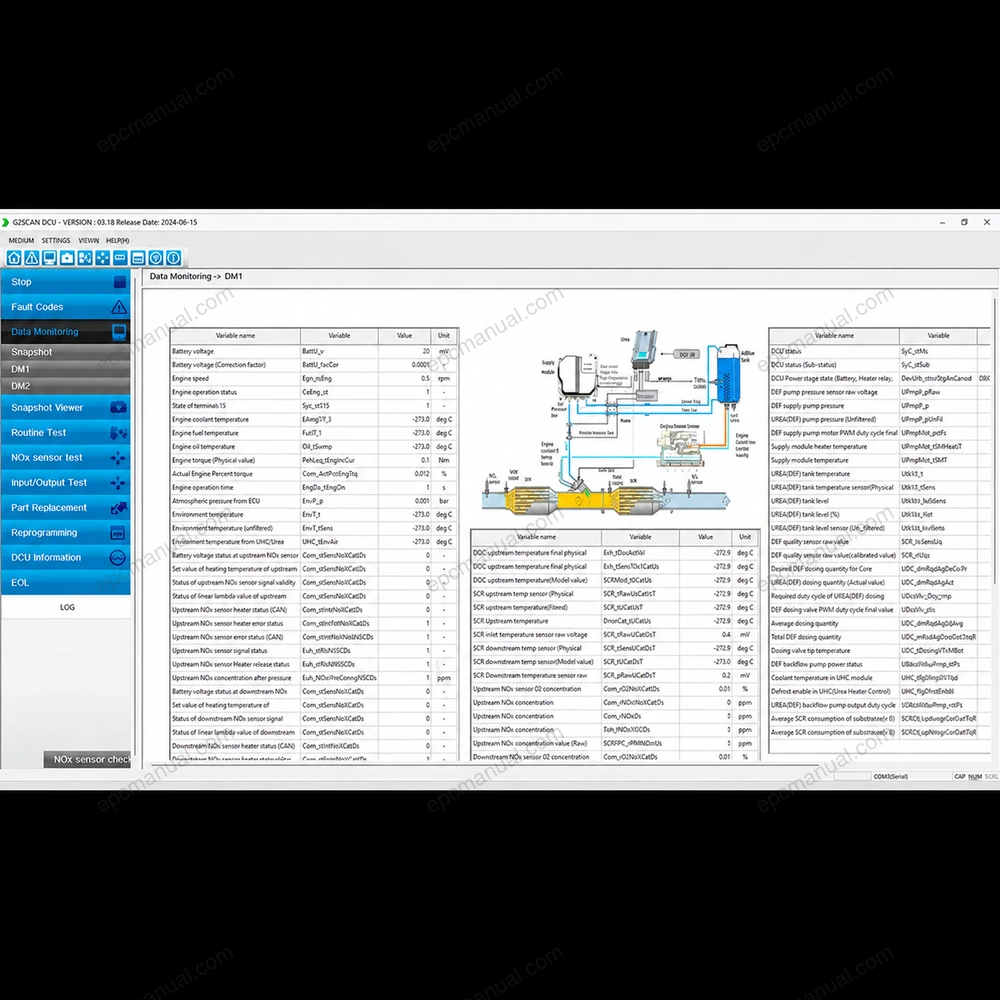
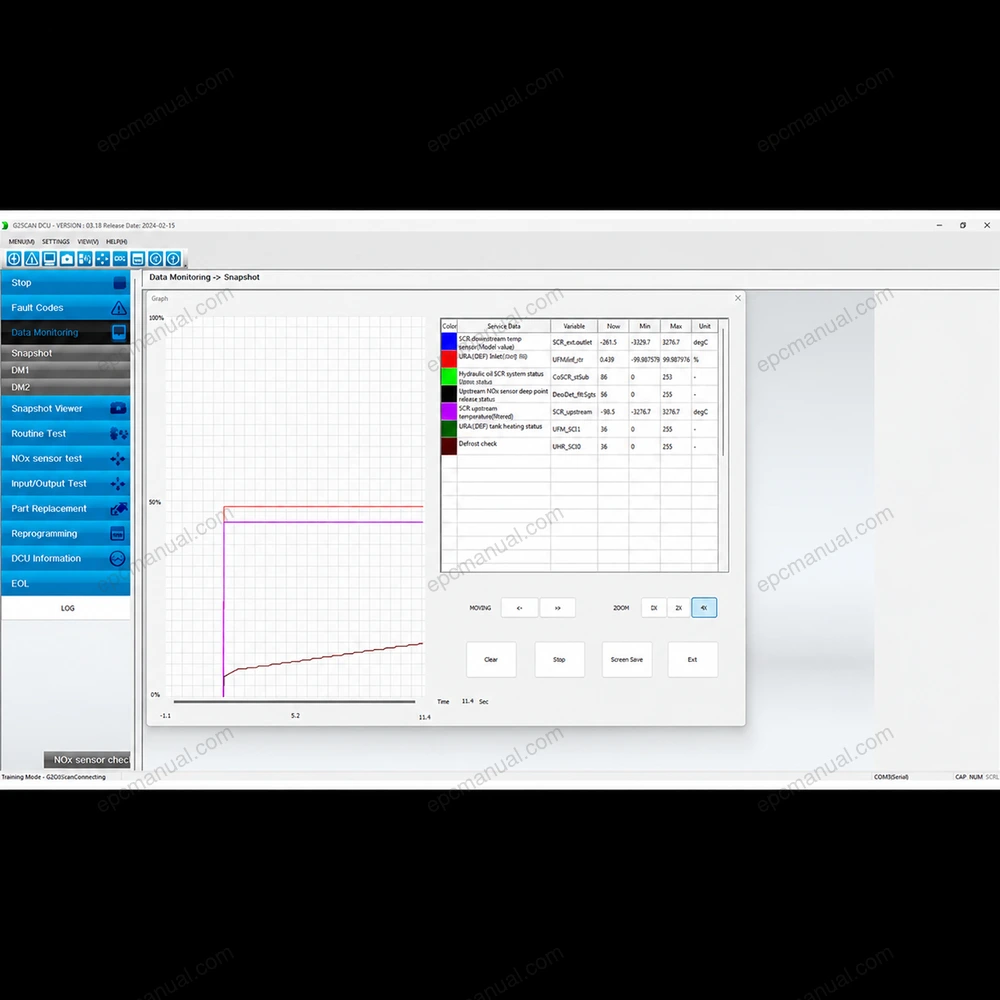
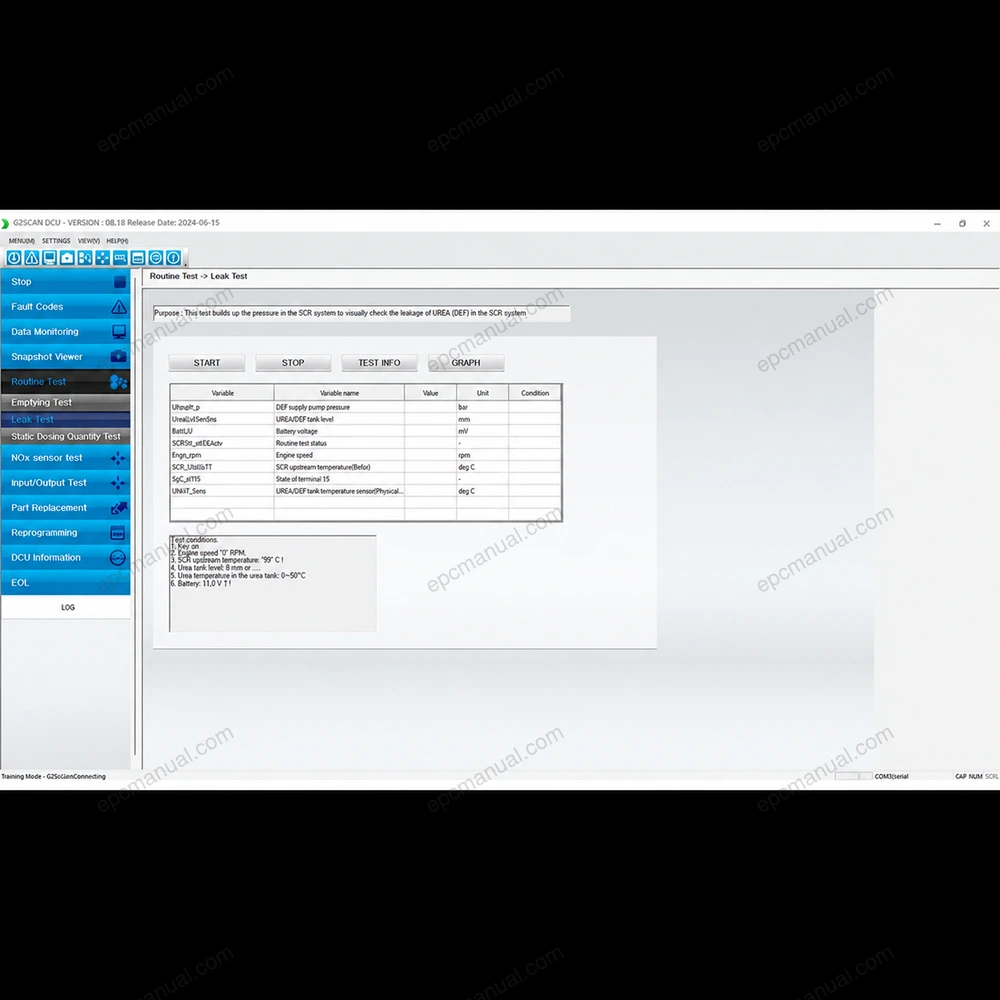
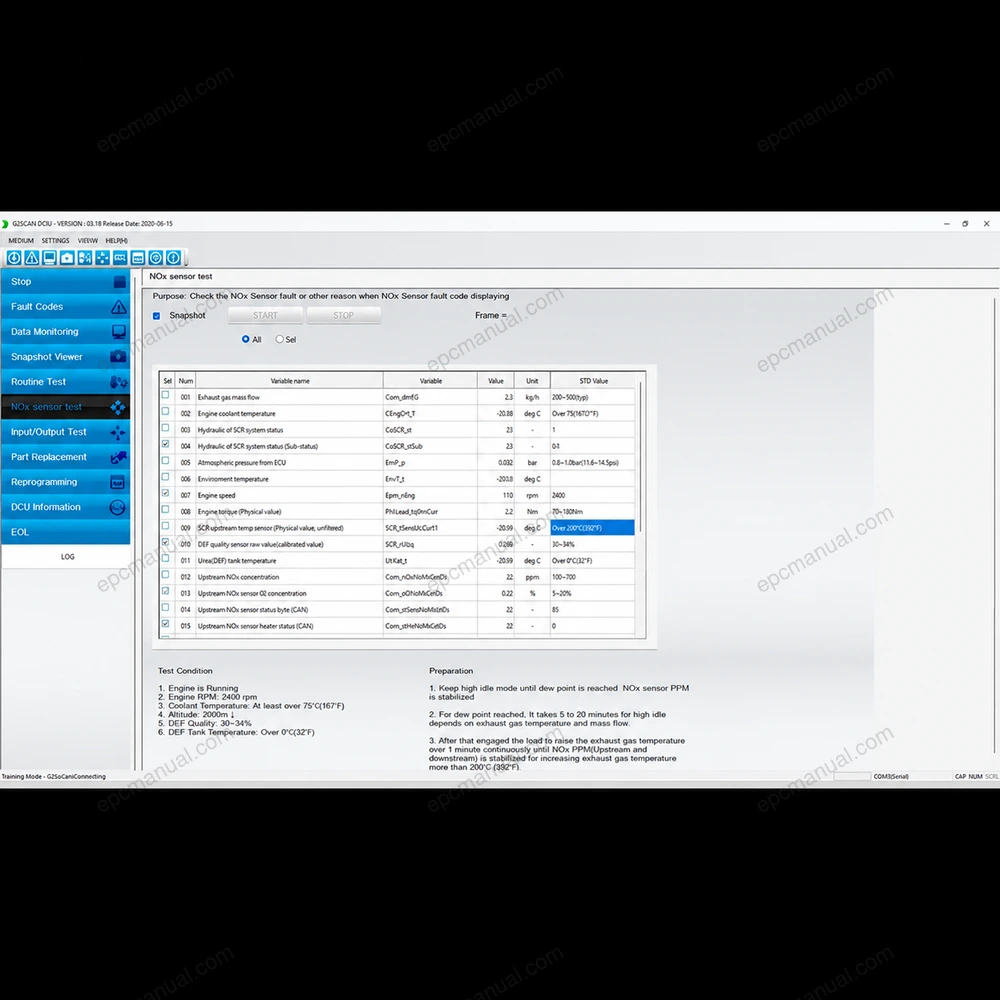
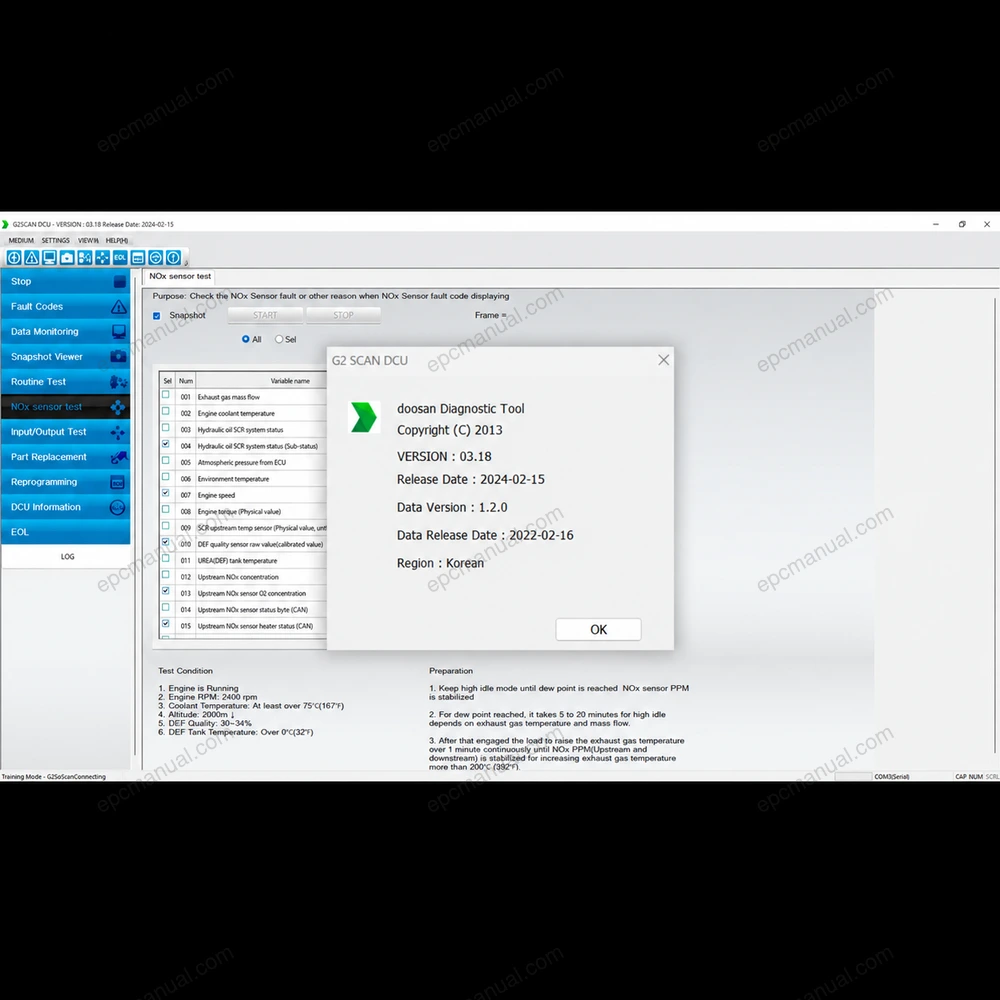
HYUNDAI INFRACORE DIAGNOSTIC TOOL G2 SCAN DCU 03.18 [2024.02] is a software package covering diagnostic and reprogramming. It is listed for korea.
What is HYUNDAI INFRACORE DIAGNOSTIC TOOL G2 SCAN DCU 03.18 [2024.02]?
How can HYUNDAI INFRACORE DIAGNOSTIC TOOL G2 SCAN DCU 03.18 [2024.02] compatibility be confirmed before ordering?
Please contact us with your operating-system version and the exact machine model or serial-number range you need. We will help confirm coverage and the appropriate delivery or installation option before purchase.
Frequently asked questions about HYUNDAI INFRACORE DIAGNOSTIC TOOL G2 SCAN DCU 03.18 [2024.02]
What are the system requirements, languages and license terms of HYUNDAI INFRACORE DIAGNOSTIC TOOL G2 SCAN DCU 03.18 [2024.02]?
Supported operating systems: Windows 11 x64, Windows 10 x64, Windows 7 x64, Windows 7 x32 and Windows 10 x32. The file size is 252.00 MB and the installed size is 813.09 MB. The license time is unlimited. The interface is available in 2 languages, including English and Korean.
All manufacturer and product names are trademarks of their respective owners. This listing provides technical reference material for professional parts identification, diagnosis, service, and repair.
![HYUNDAI INFRACORE DIAGNOSTIC TOOL G2 SCAN DCU 03.18 [2024.02] – diagnostic software](https://epcmanual.com/wp-content/uploads/2026/08/hyundai-infracore-diagnostic-tool-g2-scan-dcu.webp)
![HYUNDAI INFRACORE DIAGNOSTIC TOOL G2 SCAN DCU 03.18 [2024.02] – diagnostic software interface screenshot 2](https://epcmanual.com/wp-content/uploads/2026/08/hyundai-infracore-diagnostic-tool-g2-scan-dcu-screenshot-02.webp)
![HYUNDAI INFRACORE DIAGNOSTIC TOOL G2 SCAN DCU 03.18 [2024.02] – diagnostic software interface screenshot 3](https://epcmanual.com/wp-content/uploads/2026/08/hyundai-infracore-diagnostic-tool-g2-scan-dcu-screenshot-03.webp)
![HYUNDAI INFRACORE DIAGNOSTIC TOOL G2 SCAN DCU 03.18 [2024.02] – diagnostic software interface screenshot 4](https://epcmanual.com/wp-content/uploads/2026/08/hyundai-infracore-diagnostic-tool-g2-scan-dcu-screenshot-04.webp)
![HYUNDAI INFRACORE DIAGNOSTIC TOOL G2 SCAN DCU 03.18 [2024.02] – diagnostic software interface screenshot 5](https://epcmanual.com/wp-content/uploads/2026/08/hyundai-infracore-diagnostic-tool-g2-scan-dcu-screenshot-05.webp)
![HYUNDAI INFRACORE DIAGNOSTIC TOOL G2 SCAN DCU 03.18 [2024.02] – diagnostic software interface screenshot 6](https://epcmanual.com/wp-content/uploads/2026/08/hyundai-infracore-diagnostic-tool-g2-scan-dcu-screenshot-06.webp)
![HYUNDAI INFRACORE DIAGNOSTIC TOOL G2 SCAN DCU 03.18 [2024.02] – diagnostic software interface screenshot 7](https://epcmanual.com/wp-content/uploads/2026/08/hyundai-infracore-diagnostic-tool-g2-scan-dcu-screenshot-07.webp)
![HYUNDAI INFRACORE DIAGNOSTIC TOOL G2 SCAN DCU 03.18 [2024.02] – diagnostic software interface screenshot 8](https://epcmanual.com/wp-content/uploads/2026/08/hyundai-infracore-diagnostic-tool-g2-scan-dcu-screenshot-08.webp)
![DOOSAN DIAGNOSTIC TOOL DX22 ELECTRONIC MARINE ENGINE ANALYZER 00.02 [2023.09] – diagnostic software](https://epcmanual.com/wp-content/uploads/2026/08/doosan-diagnostic-tool-dx22-electronic-marine-dcu-analyzer-0002-300x300.webp)

![MANITOWOC CRANE CARE GMK ECOS V2 SERVICE LEVEL SUPERSTRUCTURE V2 [2007.08] – service manual software](https://epcmanual.com/wp-content/uploads/2026/08/manitowoc-crane-care-gmk-ecos-v2-service-level-superstructure-300x300.webp)

Reviews
There are no reviews yet.